Open the Console
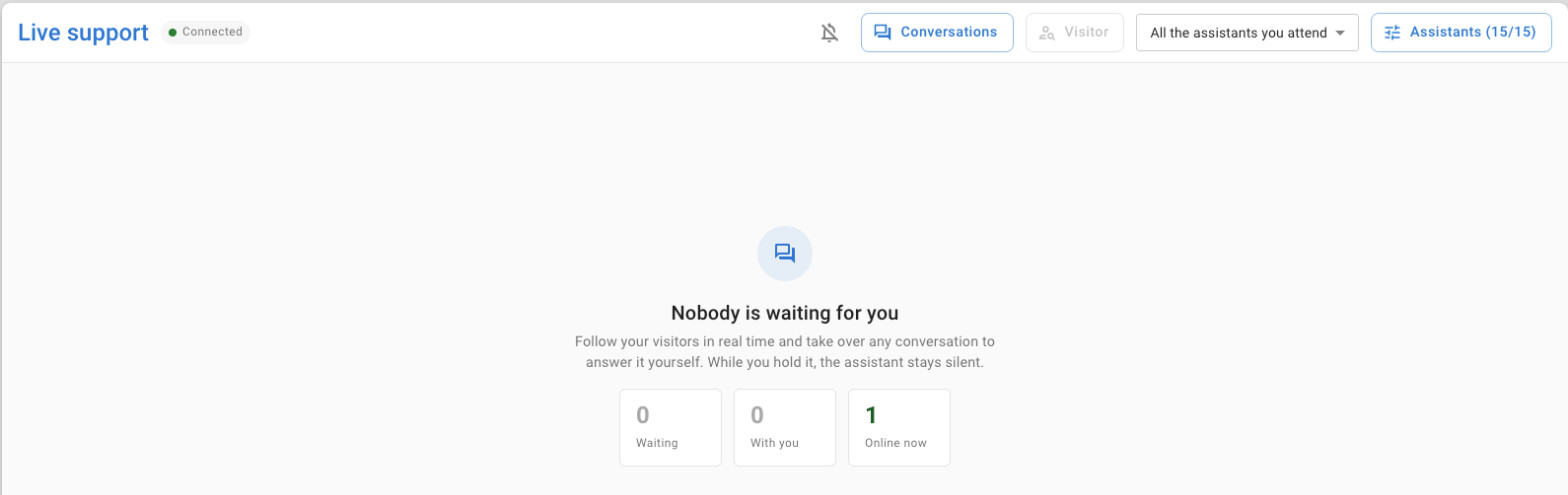
- In the side menu, expand AI Assistants and click Live support.
- Check the status next to the title: Connected means the console receives conversations in
real time.
- Click the bell to turn on desktop notifications. The browser asks for permission the first
time and shows a test notification right away.
With notifications on, you get one when a visitor writes in a conversation you hold or that waits for you, unless that conversation is already open in front of you. Clicking the notification opens it. Notifications only arrive while the console is open in a browser tab, even in the background.
Try it yourself first
Open the assistant's playground in the dashboard and write a question. The conversation appears in the console labeled Dashboard, so you can practise taking over and handing back without a real visitor.