Export Leads
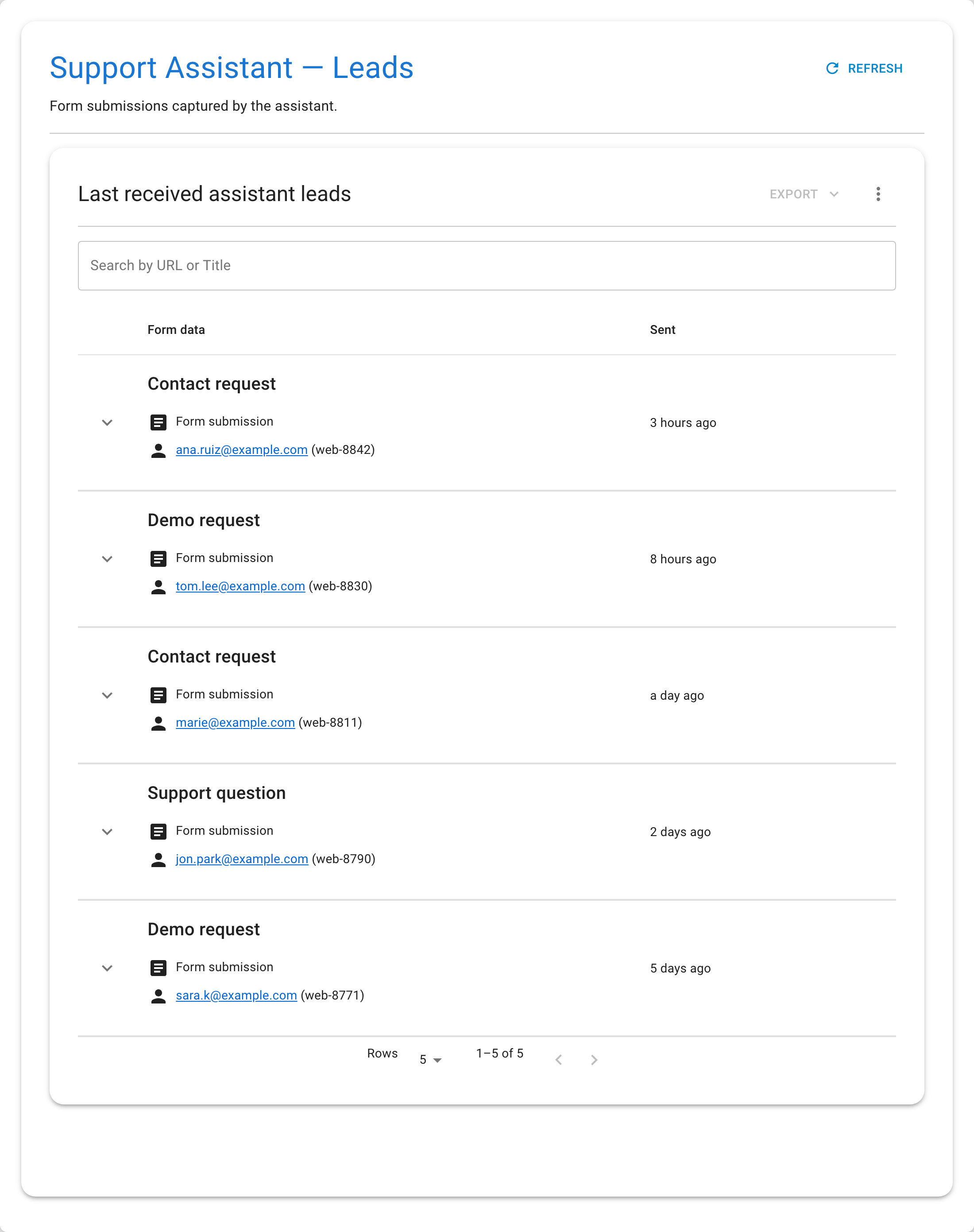
Form submissions are stored in an associated dataset linked to the assistant. You can export this dataset to work with the leads outside Seekdown — in a spreadsheet, a CRM import, or your own tooling.
Steps
- Open the assistant.
- Open its Associated data / Leads.
- Click the Export dropdown in the top-right corner of the leads table.
- Choose the format: CSV or JSON.
- The file downloads automatically.
The export contains every submission the assistant has received, with all the form field values, the visitor's user ID, and the timestamp.
Tips
- Export regularly if you process leads in an external CRM or spreadsheet.
- Use CSV for spreadsheet tools and quick analysis; use JSON for
programmatic processing or importing into other systems.
- The export includes leads from all forms on the assistant — filter by
form name in your spreadsheet if you need to separate them.