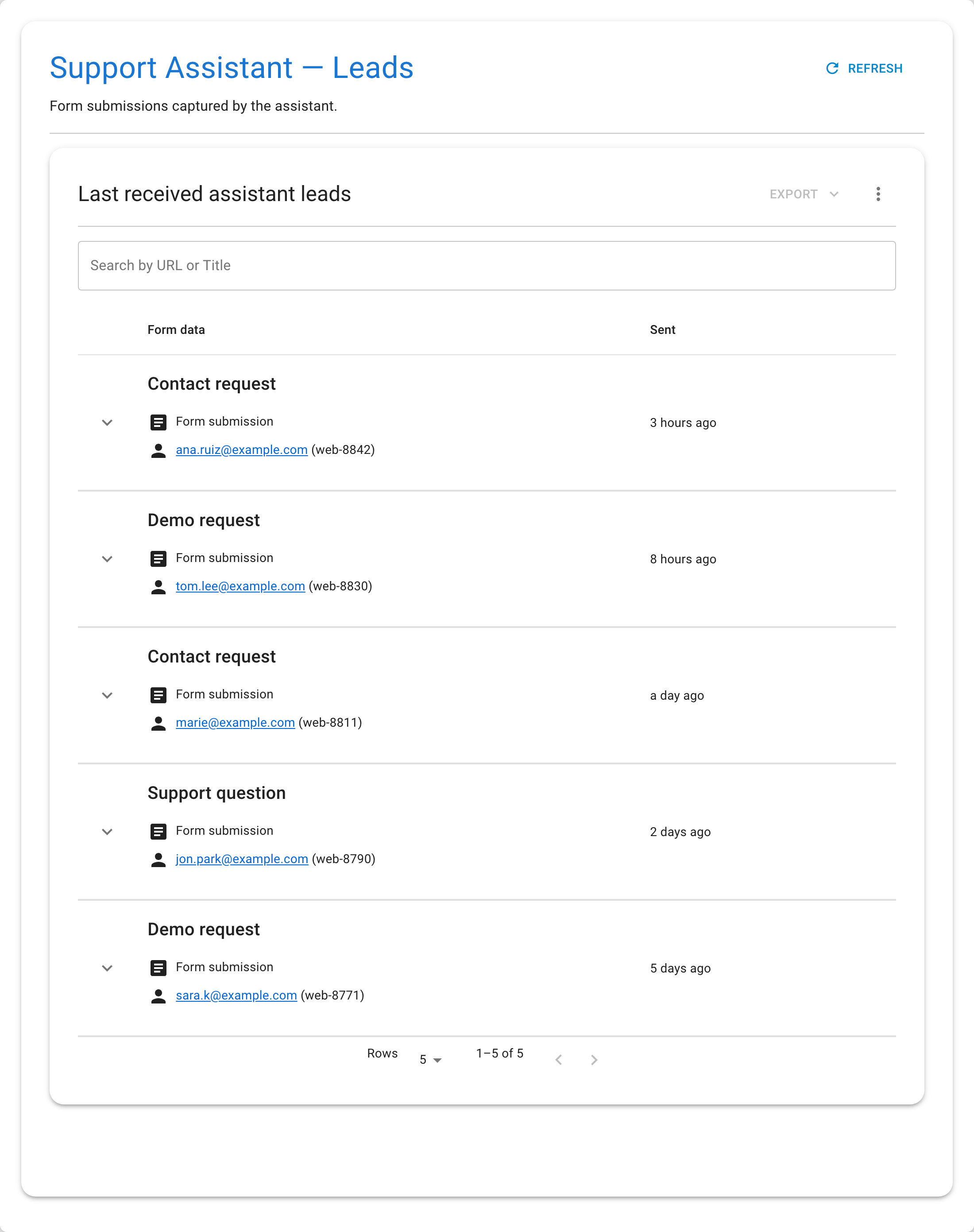
Review Leads
Leads are the submissions an assistant form has captured. They live under the assistant's Associated data (its leads view), separate from the memory dataset the assistant answers from.
Before You Start
- The assistant must have a saved form.
- At least one visitor must have submitted it.
Steps
- Open the assistant.
- Open its Associated data / Leads.
- Browse the submissions — each row shows the form name, the submission
type, the visitor's email and user ID, and when it was received.
- Expand a row to see all the field values the visitor entered.
- Search by URL or title to find a specific submission.
- Refresh to load recent entries.