Open the Embedded Preview
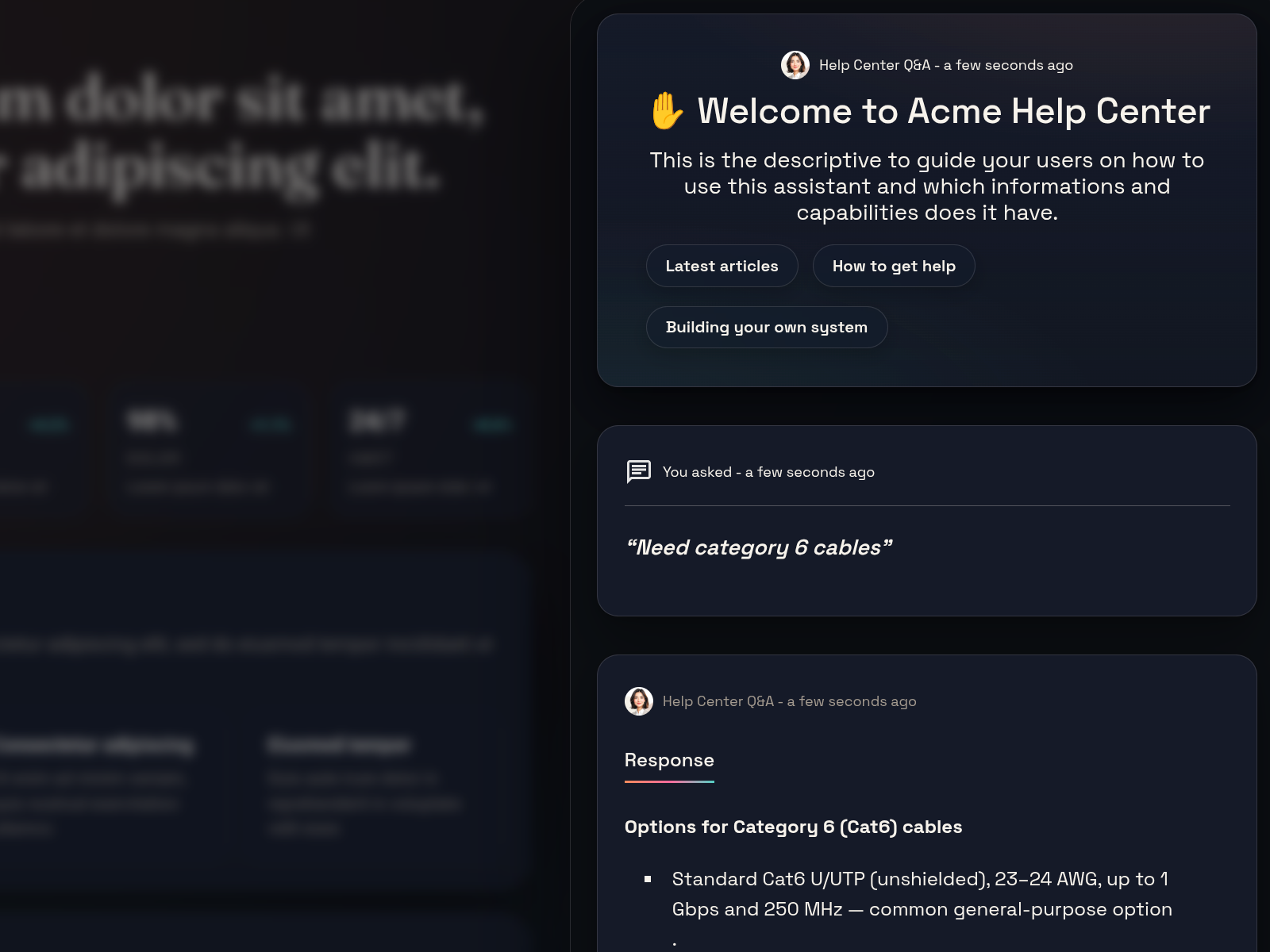
Want to see how the assistant will look on a real page without editing your site yet? The embedded preview shows exactly that — it opens a new browser tab with the assistant running on a sample website page, using your current configuration.
Steps
- Open the assistant playground.
- Choose Open embedded preview from the toolbar.
- A new tab opens showing a demo page with the assistant embedded on it.
- Ask a question and check the layout, colors, and behavior.
Troubleshooting
- If the preview is blank, check the security settings.
- If the styling looks off, adjust the Appearance settings.