Tutorial: Create a Document Assistant
No website, or your knowledge lives in files? Upload a handful of documents and the assistant learns from those instead — a handbook, a price list, a folder of PDFs.
Before You Start
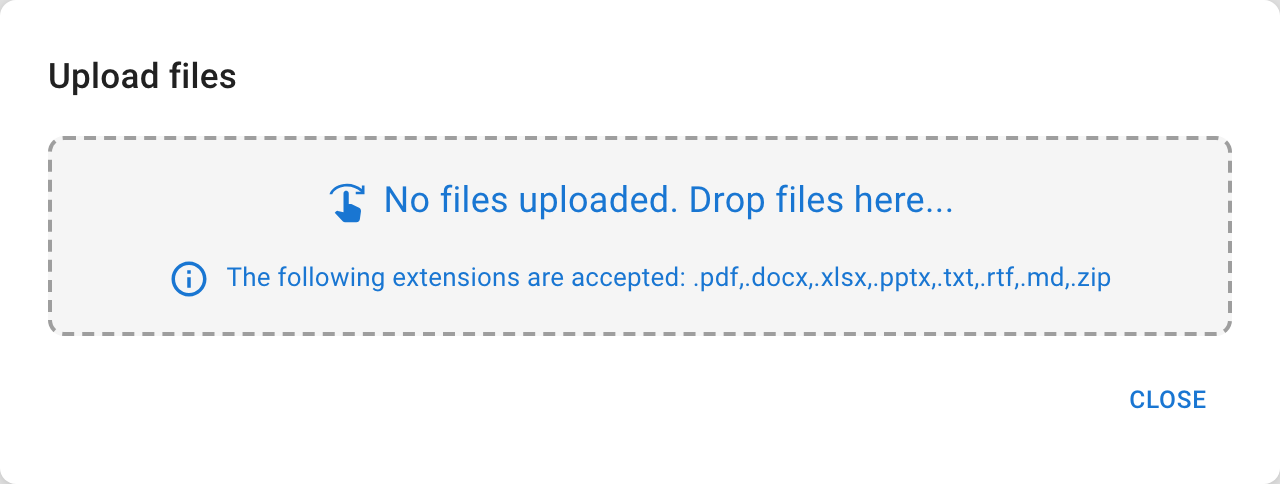
- The files you want it to know (PDF, Office, text, RTF, Markdown, or ZIP).
- A clear name for the assistant.
Steps
- Open Home and choose Ask your documents.
- Create or select the memory dataset the files will live in.
- Upload your files and wait for processing — each file is read and indexed before it's answerable.
- Create the assistant, open the playground, and ask a question about the documents.
Verify the Result
The assistant answers from your uploaded files. Search the dataset if you want to confirm a specific document came through.
Troubleshooting
- If a file is rejected, check its type and size against the upload dialog.
- If answers are incomplete, confirm the dataset's contents and re-index.