Tutorial: Embed an Assistant in WordPress
On WordPress you don't touch code at all — the official plugin handles the embed.
Steps
- Make sure your assistant's security is set to API and the allowed origins include your WordPress domain.
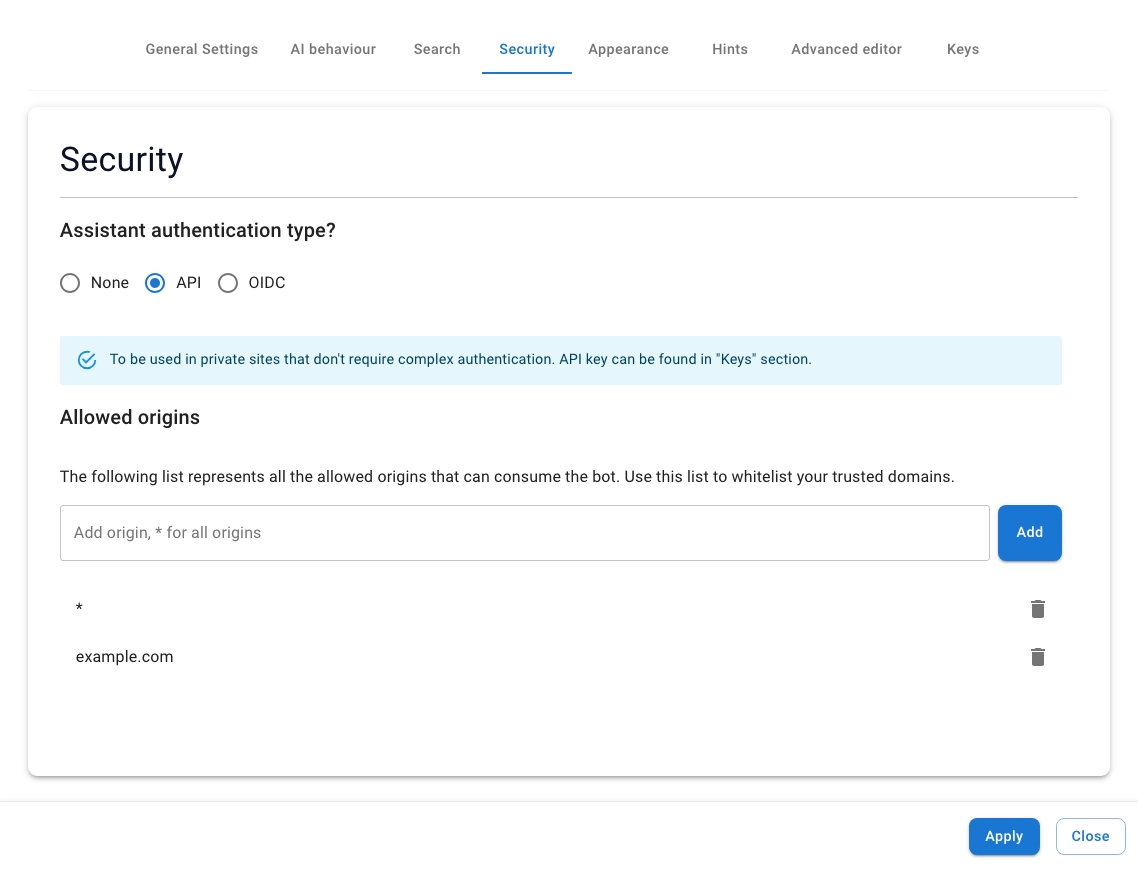
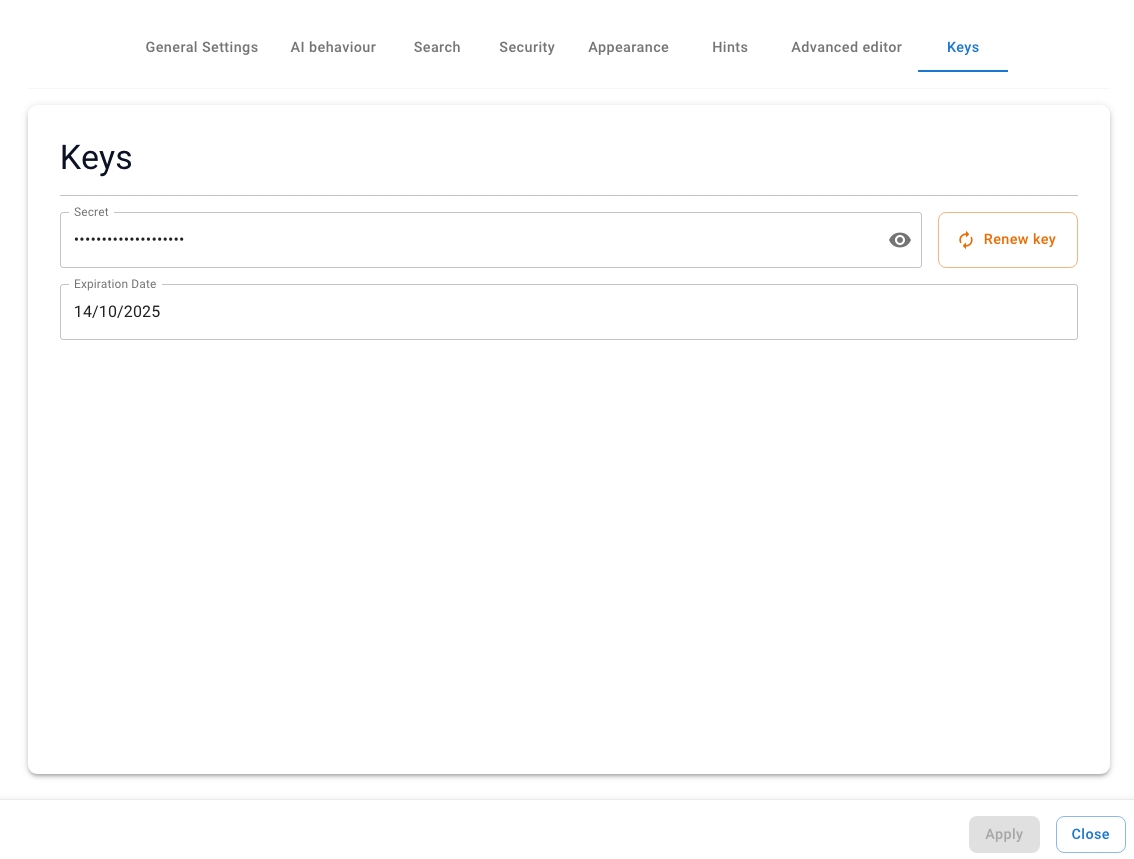
- Copy your API key from the assistant's Keys tab.
- Download the plugin (
seekdown-wordpress-latest.zip) from the assistant's WordPress tutorial. - In WordPress admin, open Plugins from the side menu.
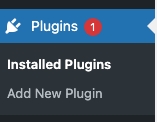
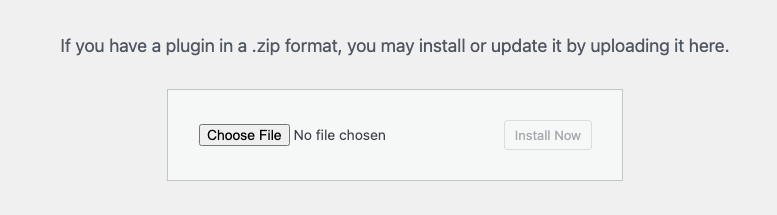
- Click Add New → Upload Plugin, choose the zip, and install it.

- Activate the plugin after installation.
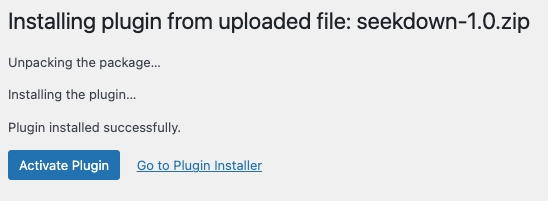
- Open Settings → Seekdown, enter the assistant ID and access token, and choose whether to embed on all pages or use the
[seekdown]shortcode.
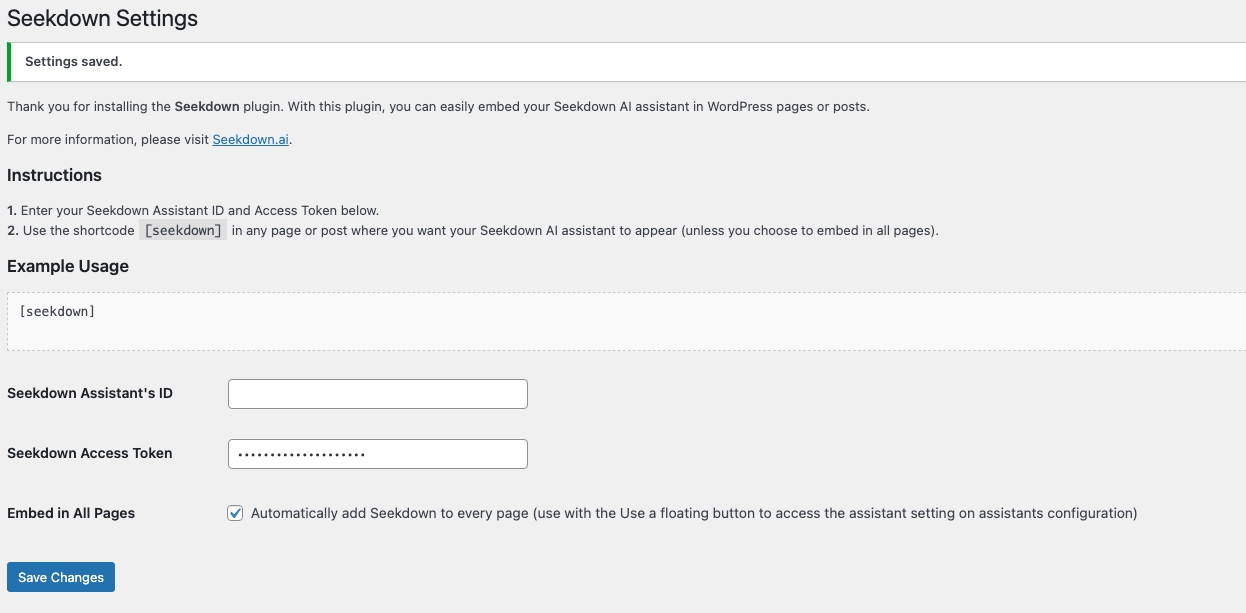
- Save changes. To use the shortcode instead, add
[seekdown]to any page or post block.
![Using the [seekdown] shortcode block in the WordPress editor.](/assets/images/screenshots/WP_STEP_SHORTCODE.jpeg)
Troubleshooting
- Confirm the WordPress domain is in the assistant's allowed origins.
- If you used the shortcode, confirm
[seekdown]is on a public page.