Tutorial: Create a Custom GPT Action
Bring your knowledge into ChatGPT: back a Custom GPT with a Seekdown assistant, so the GPT answers from your dataset through an Action.
Available on the Enterprise plan
This integration calls the assistant query API, an Enterprise feature. See the pricing page.
Before You Start
- A paid ChatGPT account (Custom GPTs require one).
- An assistant API key from the assistant's Keys page.
Steps
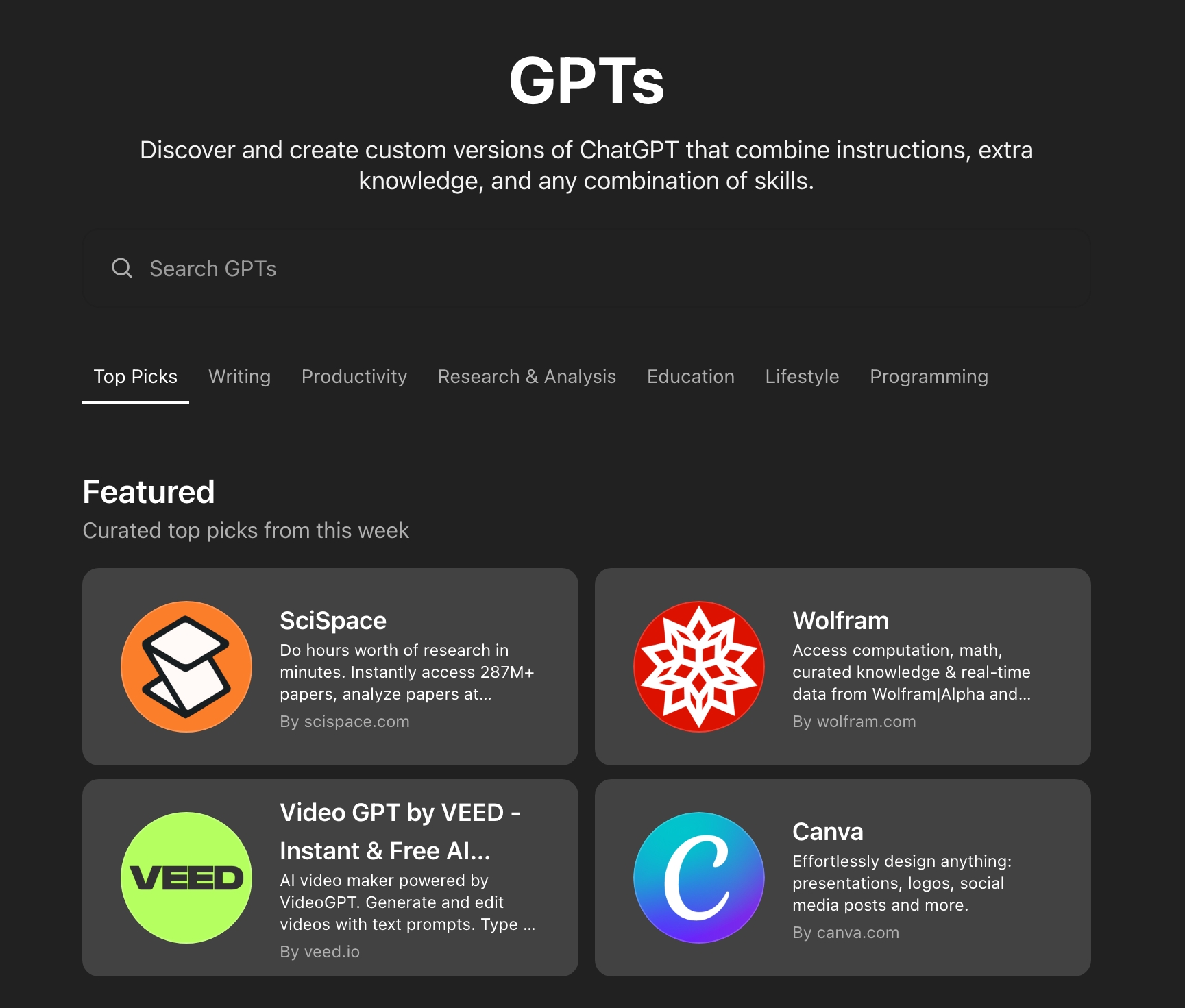
- Go to
https://chatgpt.com/gpts/mineand choose Explore GPTs, then click Create in the top right corner.

- Fill in the GPT's name, description, and instructions — for example: "For every query, use your action to retrieve information from the Seekdown database."
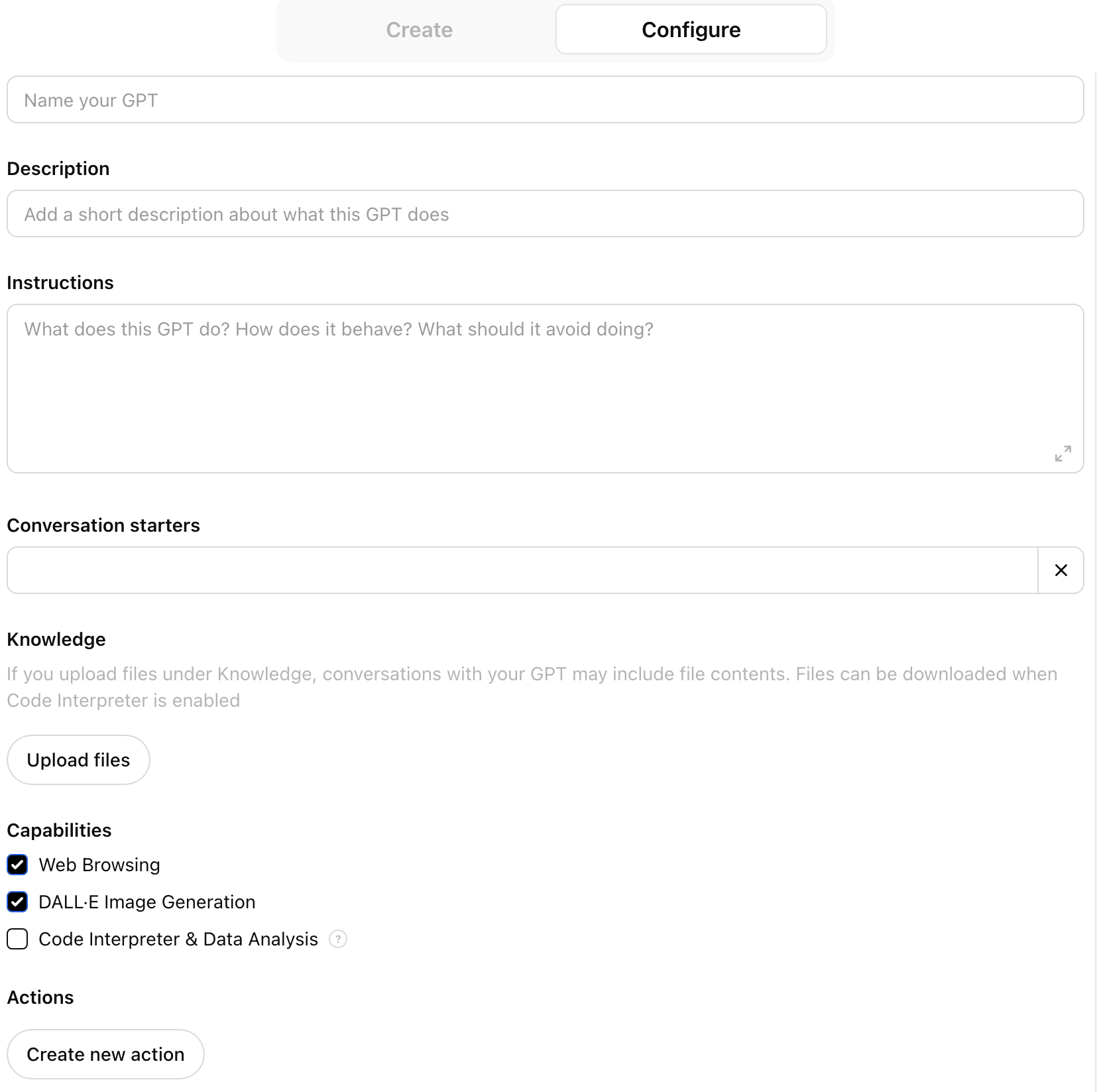
- Scroll down and click Create new action.

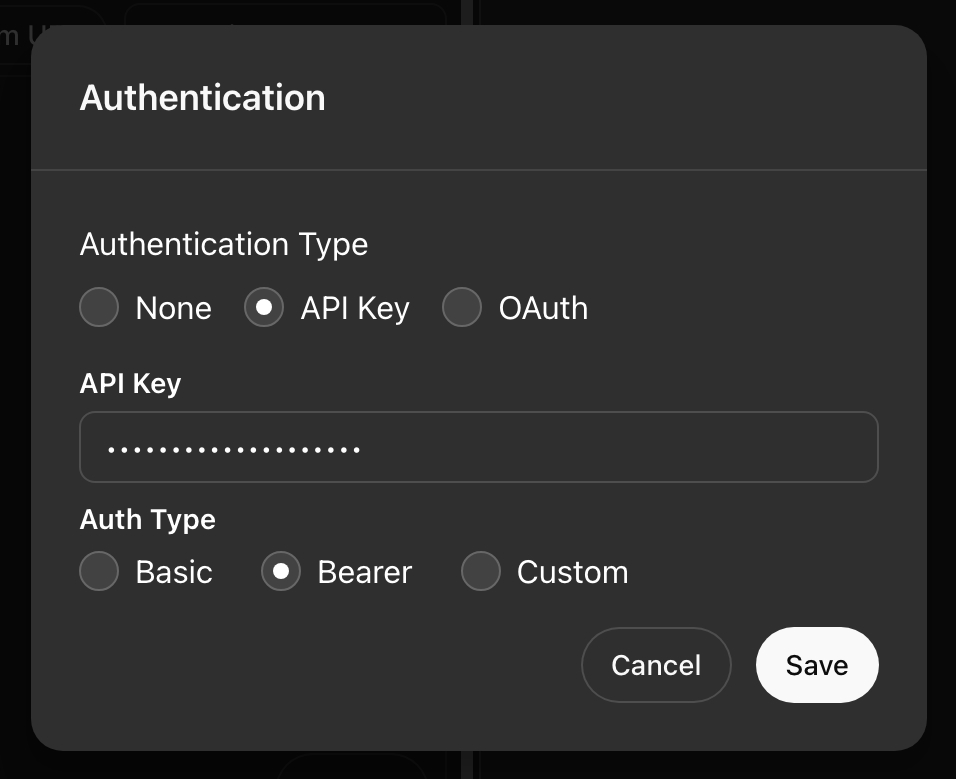
- Set Authentication to API Key, Auth Type to Bearer, and paste your assistant API key.
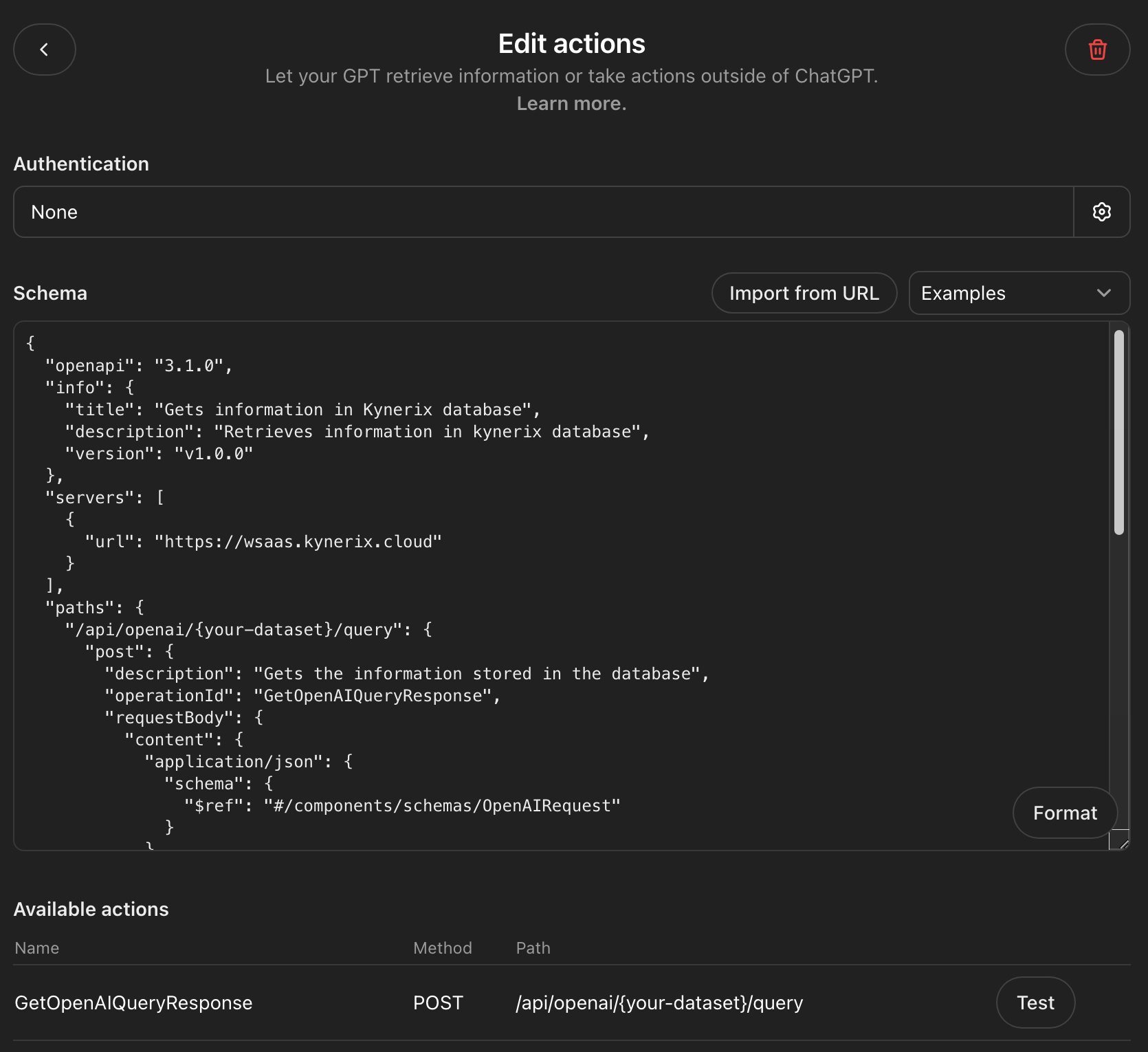
- Paste the OpenAPI schema below into the Schema field, then test and publish.
{
  "openapi": "3.1.0",
  "info": {
    "title": "Gets information in Seekdown database",
    "description": "Retrieves information in Seekdown database",
    "version": "v1.0.0"
  },
  "servers": [
    { "url": "https://saas.seekdown.ai" }
  ],
  "paths": {
    "/api/public/openai/{assistantId}/query": {
      "post": {
        "description": "Gets the information stored in the database",
        "operationId": "GetOpenAIQueryResponse",
        "x-openai-isConsequential": false,
        "requestBody": {
          "content": {
            "application/json": {
              "schema": { "$ref": "#/components/schemas/OpenAIRequest" }
            }
          }
        }
      }
    }
  },
  "components": {
    "schemas": {
      "OpenAIRequest": {
        "type": "object",
        "properties": {
          "query": { "type": "string", "nullable": true }
        },
        "additionalProperties": false
      }
    }
  }
}
Replace the path parameter
In the action, the request goes to /api/public/openai/{assistantId}/query — use your real assistant ID. The GPT sends { "query": "..." } and Seekdown answers from the connected dataset.
Verify the Result
Ask the Custom GPT a question your dataset can answer — it should call the action and reply with your content.
Troubleshooting
- Double-check the schema, the server host, the assistant ID in the path, and the Bearer key.