Traditional site search
- Response
- List of matching pages
- Content
- Pages in the search index
- Next step
- Visitor opens a result
- Controls
- Search rules and styling
- Insights
- Search query data
Answer visitors from the website content you choose.
Visitors can read a concise answer and open the pages that support it.

Add your website URL, review the indexed pages, set the assistant’s instructions, and publish it with one snippet.
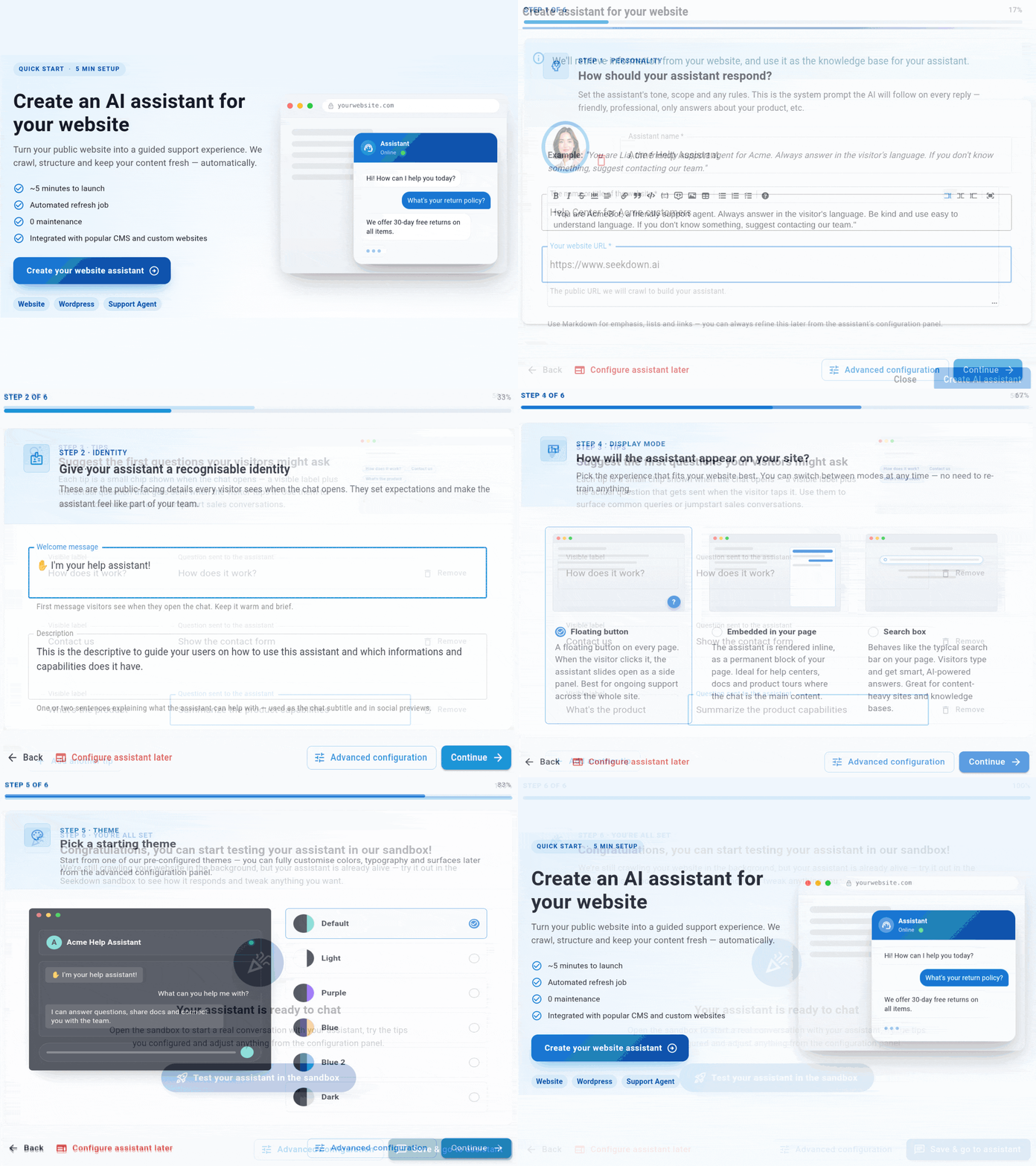
Choose what the assistant can use, check the captured content, and control how it responds before adding it to your site.
Start with a public URL and select the pages, docs, and FAQs the assistant should use.
Check what was indexed and keep only the sources that should support answers.
Choose the instructions, tone, fallback behavior, and branding for your assistant.
Publish the assistant on your website, docs portal, or support hub with one snippet.
Seekdown answers questions from pages you review and approve, then gives visitors links to the supporting content.
Tell us what visitors ask and where the answers live. We’ll help you plan the sources, controls, and launch.