When should a person take over from your AI assistant?
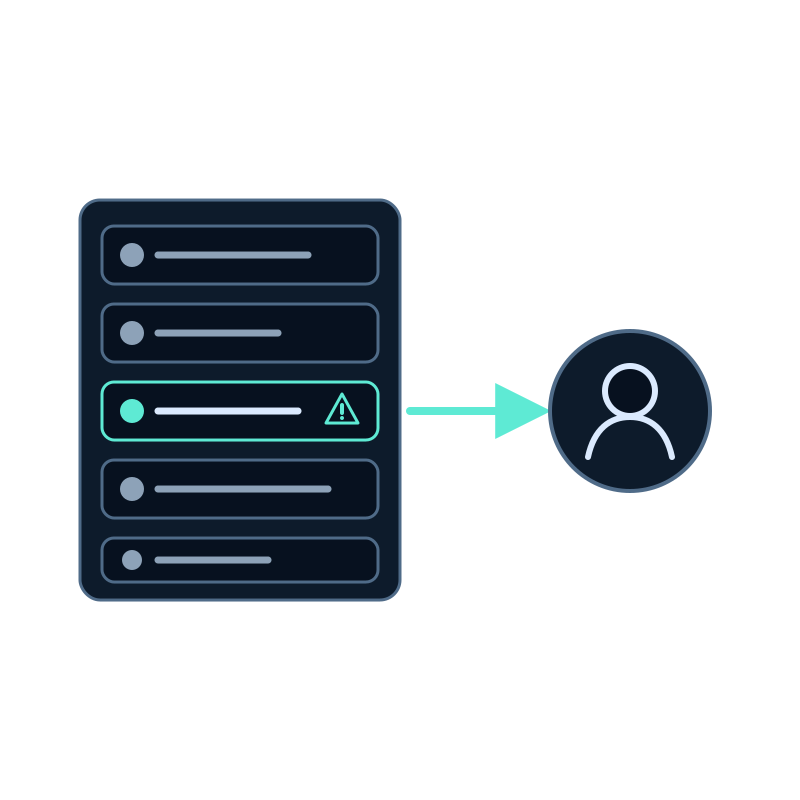
A live support console makes it easy to step into any conversation. That's also its risk: a team that takes over everything turns the assistant into an expensive waiting room, and a team that never does leaves the hardest questions to software.
The useful question is narrower: which conversations change outcome when a person answers? This guide gives you criteria, the signals to watch in Seekdown's Live support console, and the routine that keeps hand-offs predictable.
Conversations that need a person
| Situation | Why a person | Example |
|---|---|---|
| The answer depends on the visitor's account | The assistant answers from your public content, not from their records | Why was I charged twice? |
| A decision or an exception | Someone needs authority to say yes | Can you extend my deadline? |
| Frustration or risk of losing the customer | Tone matters more than speed | This is the third time I ask. |
| A sale close to closing | A person can answer the last objection | Do you offer a discount for 20 seats? |
| A sensitive topic | Health, legal or financial details deserve care | I received a letter from the tax office. |
Everything else, such as opening hours, how a feature works, what a plan includes or where to find a document, is usually better answered by the assistant immediately, with a link to the source.
Signals in the console
You don't need to read every conversation. The console puts the ones that need attention first.
| Signal | Where you see it | What it usually means |
|---|---|---|
| The conversation is in Waiting for a reply | Top of the list, oldest first | A visitor wrote in a conversation you hold, a WhatsApp customer asked for a person, or the assistant hasn't answered for 30 seconds |
| The visitor rated an answer 👎 | This session in the visitor details | The answer didn't help. Check whether the content is missing |
| The visitor asks the same thing in different words | The conversation itself | The assistant can't find the source. A person can answer, and you have a content gap to fix |
| A form was submitted | A card in the conversation | The visitor gave you their details. A quick personal reply may close the request |
| The visitor is a known customer | User data in the visitor details | Your site passed their name, email or plan. Account questions are likely |
Turn on desktop notifications with the bell in the console toolbar, so the waiting ones reach you even when the console is in a background tab.
Decide who steps in, and when
A few written rules make hand-offs consistent across the team.
- Name the conversations you'll take. Use the table above as a starting point and adapt it to your business.
- Attend only what you'll answer. In Assistants, switch on the assistants your team really covers. Visitors of the others keep talking to the assistant.
- Introduce yourself the same way. Set a support name and a greeting per assistant, in its visitors' language.
- Answer within minutes, or hand back. If you take over and stop replying for 3 minutes, Seekdown gives the conversation back to the assistant. Treat that as a safety net, not as the plan.
- Hand back explicitly. When the problem is solved, click Hand back so the assistant answers any follow-up question.
On WhatsApp, customers can ask for a person themselves. There, set your team's hours and the waiting minutes on each number so a request outside office hours gets an honest message instead of silence. See what the WhatsApp 24-hour window means for your support team.
Use each take-over to improve the assistant
Every time a person answers something the assistant should have handled, there's usually a page missing or out of date. After your shift:
- Open Analytics and find the questions that led to a take-over.
- If the answer exists in your content, check that the page is in the assistant's dataset and up to date.
- If it doesn't, write it. Next time the assistant can answer and nobody has to step in.
Handling repeated support questions with an AI chatbot covers that review in more detail.
Questions to settle before you start
Should we tell visitors that a person can join?
Only if someone is actually watching the console. The chat header changes to Human agent when you take over, so visitors know who is answering at each moment.
What if two people try to take the same conversation?
The console tells the second person that someone is already handling it. Only one person holds a conversation at a time.
Can visitors on the website ask for a person?
Not directly: on the website your team decides when to step in. Offer a contact form with an activation trigger for requests that can wait, so visitors leave their details for a follow-up.
To set up the console and try a take-over, follow how to take over a conversation from your website AI assistant.