What is a Search Center?
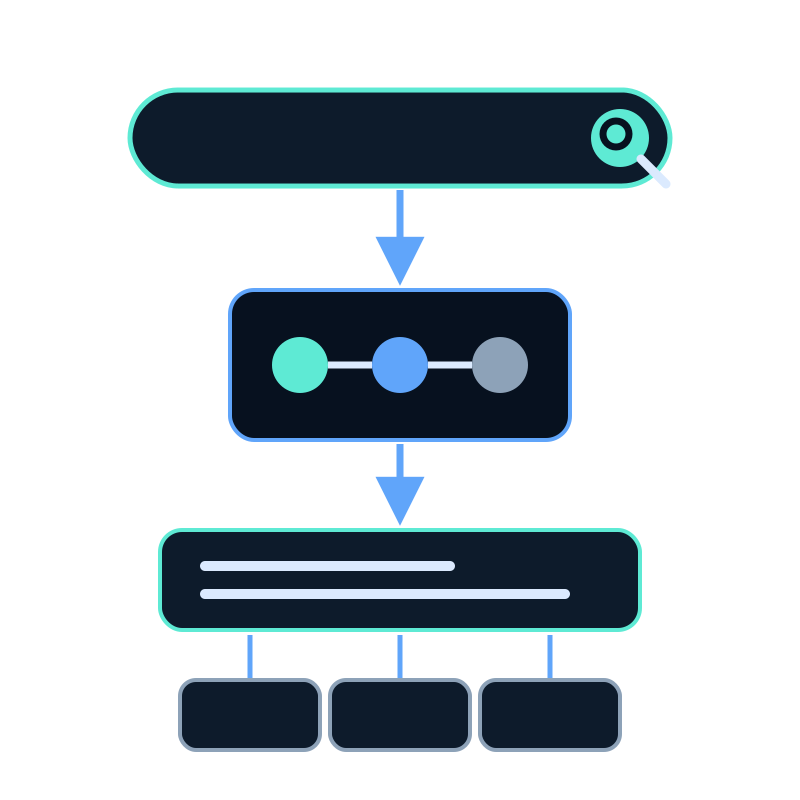
A Search Center is a full-page search experience built on one memory dataset. Visitors ask a question, receive a concise answer, and can open the documents used to support it.
Unlike a floating assistant, it gives search its own destination. You can share the hosted page directly or embed the same experience on your website.
What visitors see
The page starts with a prominent search box and suggested questions. After a search, it shows an overview followed by document cards that link back to the source material.
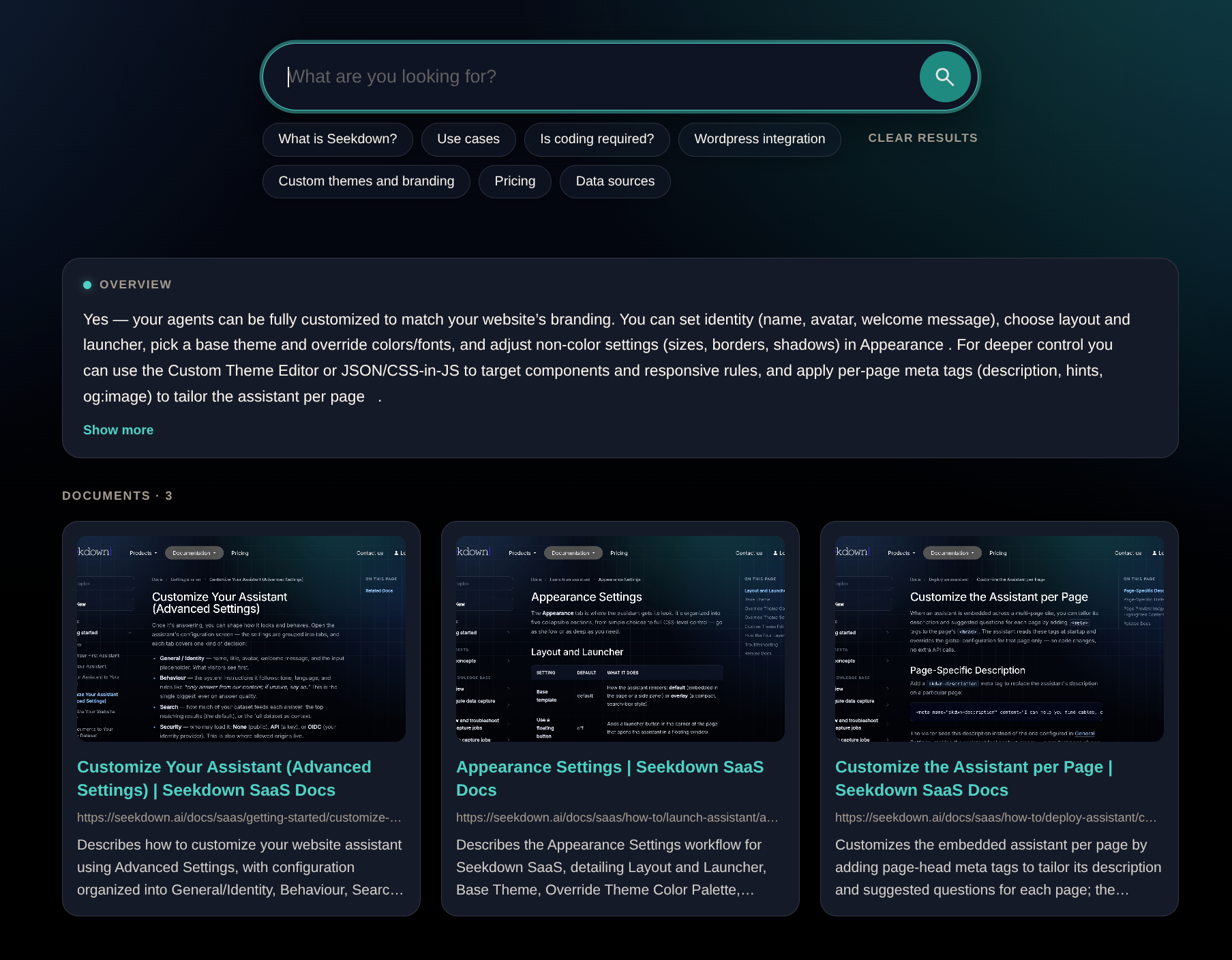
The interface does not make weak source material reliable. The connected dataset still determines what the Search Center can answer and which pages it can cite.
How it works
| Stage | What happens |
|---|---|
| Prepare | Website pages, docs, or files are captured in a memory dataset |
| Configure | One dataset is selected when the Search Center is created |
| Ask | A visitor writes a question or chooses a suggestion |
| Answer | Relevant content supports a direct response |
| Verify | Source cards let the visitor open the original documents |
| Refresh | Capture jobs update the dataset when source content changes |
Each visit starts fresh by default. A setting can remember previous searches between visits when continuity is useful.
When it fits
Use a Search Center when people need:
- one bookmarkable place to search a website, documentation set, catalog, or public knowledge base;
- an answer before a list of links;
- suggested questions that reveal what the content covers; or
- a public search page that can also be embedded elsewhere.
An embedded AI assistant is a better fit when help should stay beside the page a visitor is already reading. Both can use the same dataset, so the choice is about the experience rather than a different knowledge source.
Where it does not fit
A public Search Center should not use a dataset that contains private account data, internal notes, or unpublished documents. It also cannot answer a question that its selected sources do not cover.
If the dataset must remain private, configure API or OIDC authentication and use the Search Center as an authenticated embed instead of an anonymous hosted page.
Use Search Center vs AI assistant to choose the surface, or follow the Search Center setup guide when the destination is clear.