Create a Search Center from website content
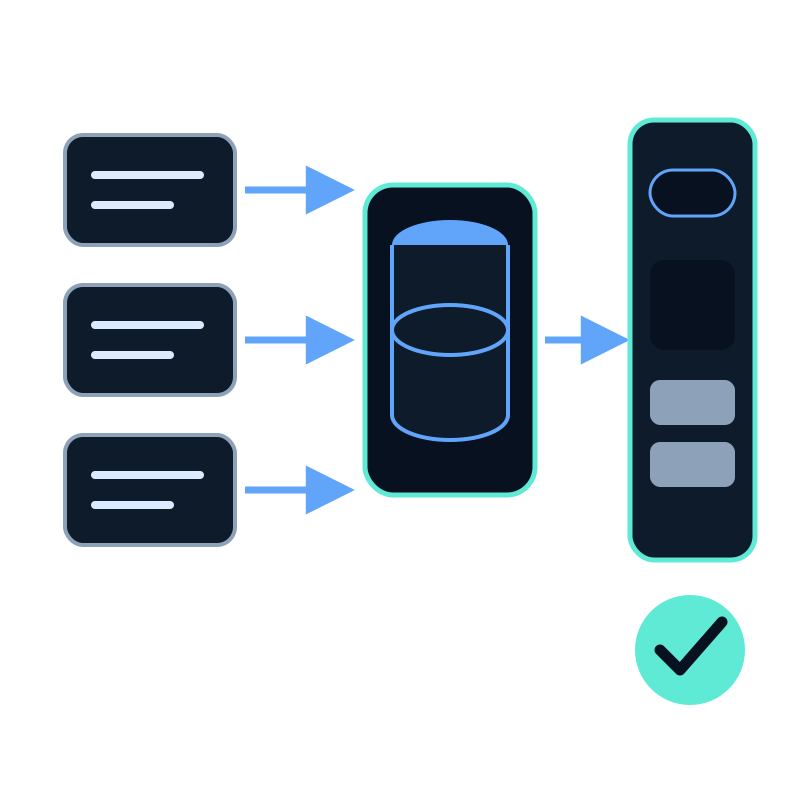
To create a Search Center, first prepare a memory dataset with real content. You then choose that dataset, name the page, create its public link, and verify a known answer.
Prerequisites
Have these ready before opening the creation screen:
- a memory dataset containing processed website pages or files;
- one question whose answer and expected source you already know;
- a short page title; and
- a readable link name.
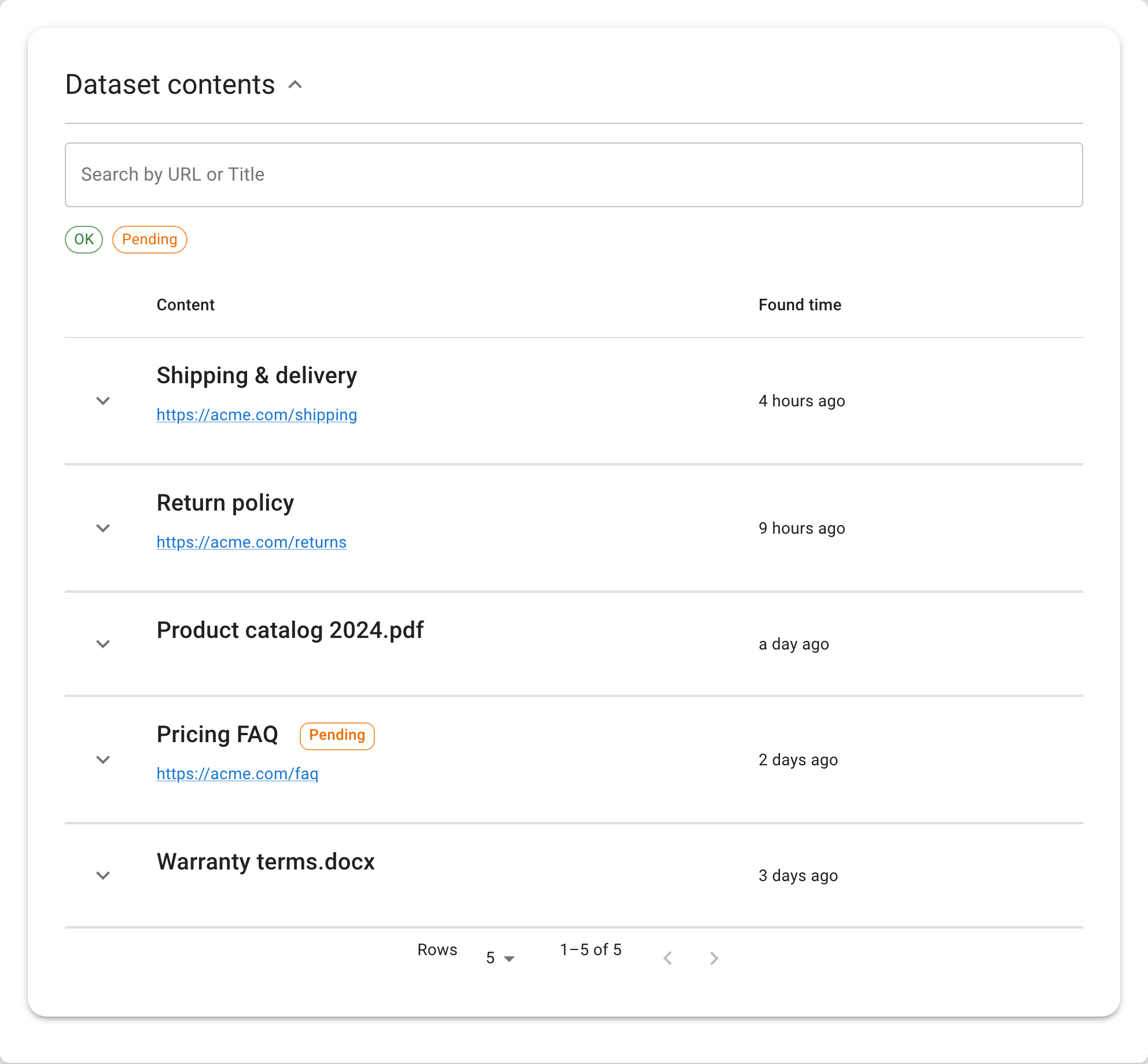
Open the dataset and confirm that the expected source is present. Creating the interface before checking the content makes later failures harder to diagnose.
Create the page
- Open Search Centers from the dashboard menu.
- Choose Create new search center.
- Enter the Search center title shown above the search box.
- Add a Logo if the page needs one.
- Under Public link, enter a Link name.
- Under Dataset, select the prepared memory dataset.
- Choose Create search center.
The public URL contains a Search Center ID such as srch-k3n9x2mp1q followed by the readable link name. The ID resolves the page; the trailing name is descriptive and can change later.
Verify the result
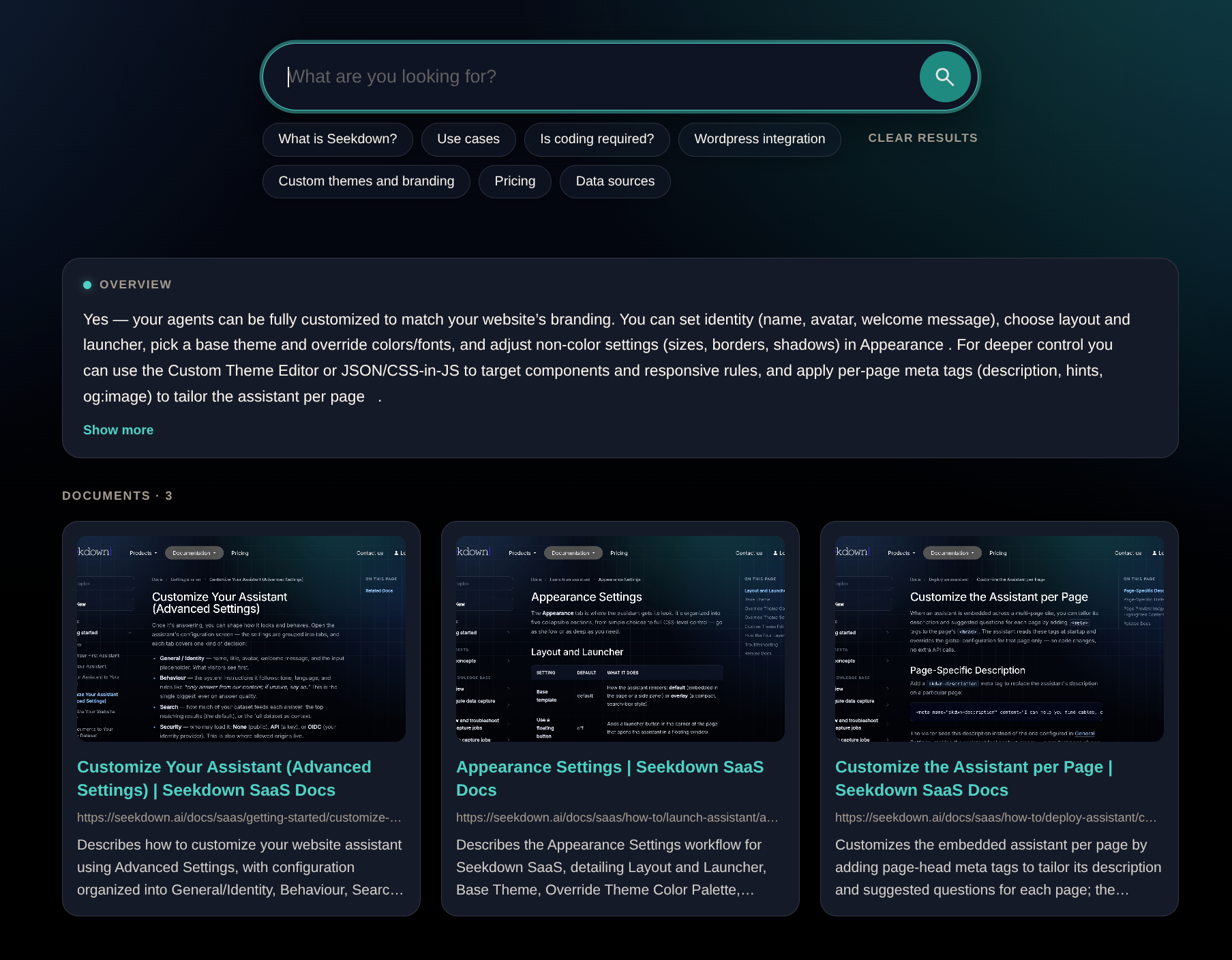
Use Open public page, then run the known question.
| Check | Expected result |
|---|---|
| Page identity | The intended title, logo, and description appear |
| Answer | The response agrees with the approved source |
| Documents | The expected document appears among the source cards |
| Link | The card opens the correct source page |
| Missing information | An unsupported question is not answered as fact |
If creation or search fails
- If Create search center is unavailable, check that the title and dataset are selected.
- If a trial-limit message appears, review the current workspace allowance before trying to add another Search Center.
- If the page opens but the answer is weak, inspect the dataset rather than changing the page design.
- If the wrong dataset was selected, create a new Search Center with the correct one. The dataset is chosen at creation and is not replaced from the Search Center settings.
After the first question passes, configure suggestions and test a broader set before sharing the link.