Add an AI chatbot to WordPress
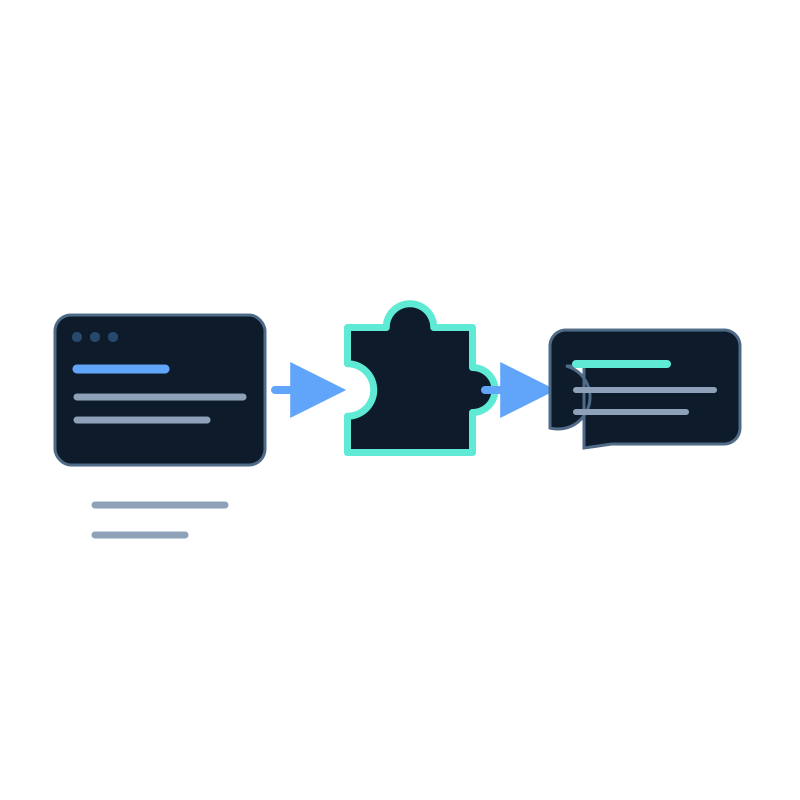
You do not need to rewrite a WordPress theme to add a Seekdown assistant. The documented deployment uses a WordPress plugin that accepts the assistant configuration and supports either site-wide embedding or shortcode placement.
Build and test the assistant before installing the plugin.
Prepare the assistant
Confirm that the assistant has:
- a connected dataset with processed content;
- tested answers and source links;
- the correct authentication mode;
- the WordPress production and staging domains under allowed origins; and
- an API key when the selected mode requires one.
Install the plugin
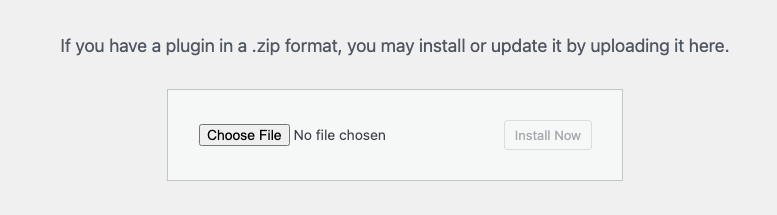
- Open the assistant's deployment page and download the WordPress plugin ZIP.
- In WordPress admin, open Plugins → Add New.
- Choose Upload Plugin.
- Select the downloaded ZIP.
- Install and activate it.

Configure Seekdown in WordPress
Open Settings → Seekdown and enter the assistant ID and access token when required.
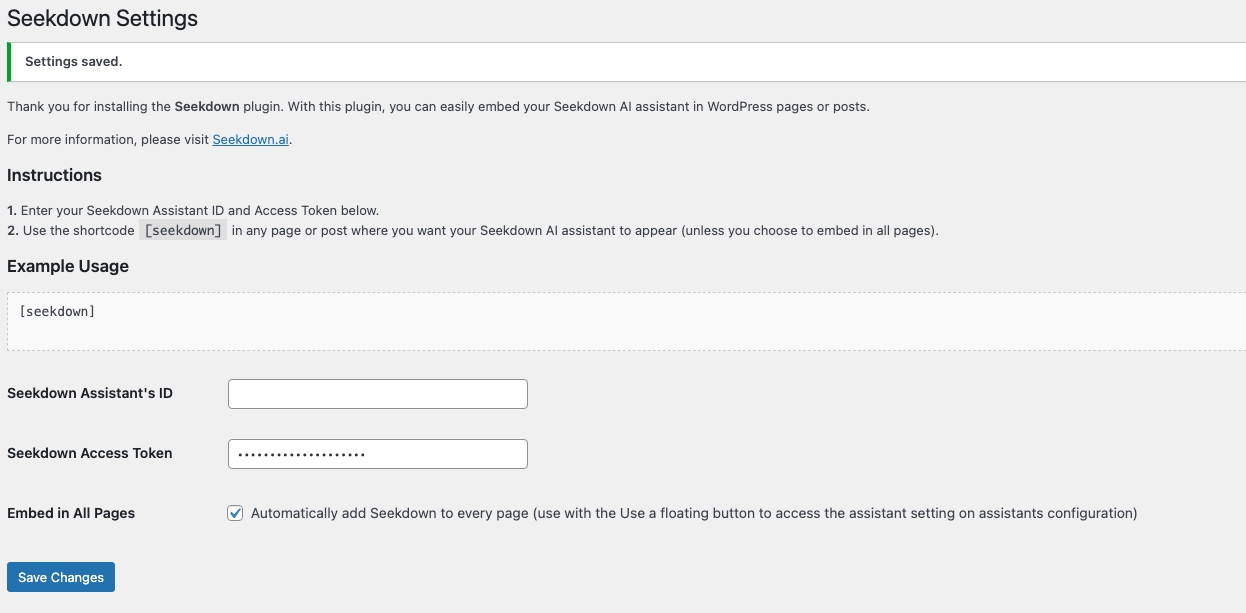
Choose one placement:
- Enable site-wide embedding when the assistant should appear throughout the site.
- Leave site-wide embedding off and add [seekdown] to the pages or posts where it should appear.
Save the settings and clear any page cache that could preserve old markup.
Verify the published result
Open the site in a private browser window and check:
- the assistant appears in the chosen location;
- the browser console has no origin or runtime error;
- a known question produces the expected answer;
- the source link opens the right page; and
- a question outside the source scope follows the fallback.
If the assistant works in Seekdown but not WordPress, confirm the exact domain under allowed origins, plugin activation, configuration values, caching, and browser console.
The plugin handles deployment. Website crawling and content refresh are configured separately in Seekdown.