Write useful Search Center suggestions
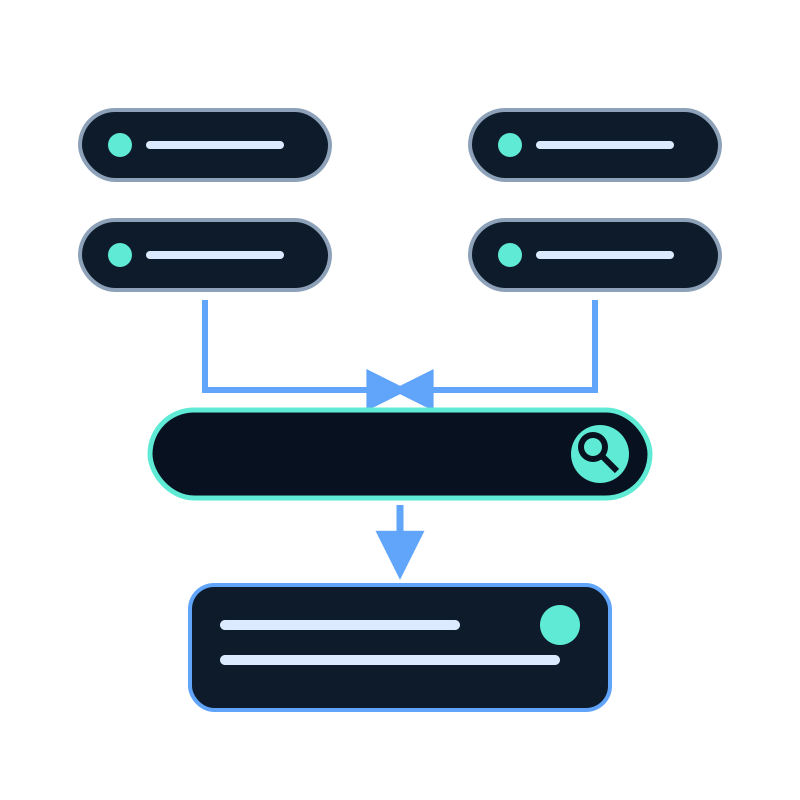
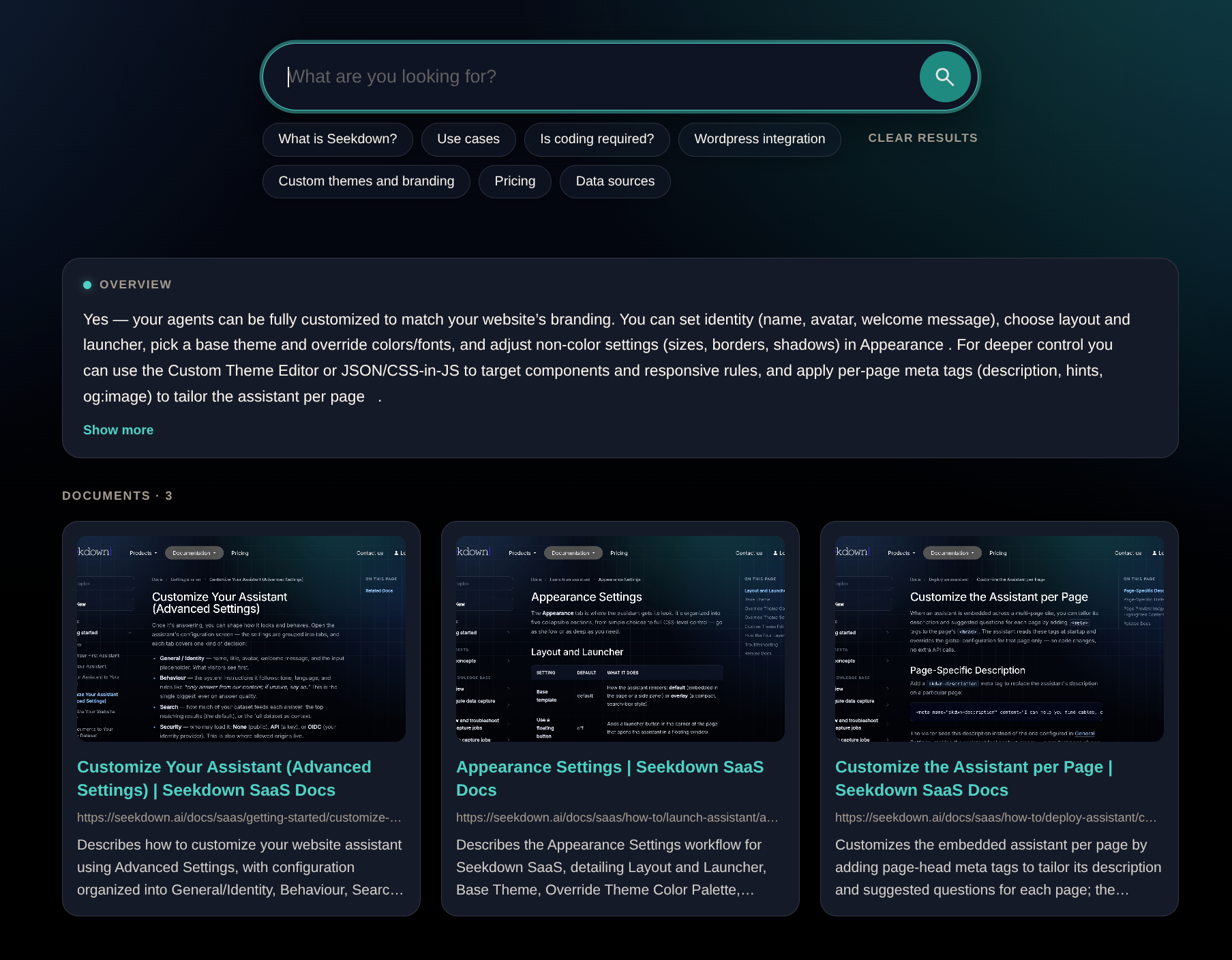
Search Center suggestions are clickable example questions shown below the search box. Their job is to help a new visitor understand what can be searched and start with a useful query.
Replace the sample suggestions that appear on a new Search Center. Generic prompts teach little and may lead to answers the dataset cannot support.
Start from visitor tasks
Collect wording from site search, support requests, onboarding, sales questions, and documentation feedback. Group similar questions by the task behind them.
| Weak suggestion | Better suggestion | Why it is better |
|---|---|---|
| “Features” | “Which file formats can I upload?” | Names a concrete information need |
| “Pricing” | “Which plan supports my required usage?” | Gives the answer a decision context |
| “Setup help” | “How do I embed this on my website?” | Points to an observable procedure |
| “Security” | “Can I restrict access to my domain?” | Exposes a specific configuration question |
Keep the set balanced
Use a small group that represents different high-value tasks. Do not fill the row with minor variations of one question.
A useful set often includes:
- one basic orientation question;
- one implementation question;
- one limitation or compatibility question;
- one policy or access question; and
- one next-step question when the sources support it.
Test before publishing
For each suggestion, record the expected source and material facts. Click the chip on the public page and verify:
- the query appears as intended;
- the response answers that exact task;
- every important statement is supported;
- the correct document cards appear; and
- the source links open the relevant pages.
Remove a suggestion if the dataset only provides a partial or ambiguous answer. A prominent prompt creates an expectation that the Search Center can handle it reliably.
Review after content changes
When an important source changes, rerun the related suggestion after refreshing the dataset. Also replace suggestions when visitor questions reveal a more useful task.
Treat the suggestions as a compact navigation layer, not decorative copy. Each chip should lead to an answer worth showing.