Fix common Search Center problems
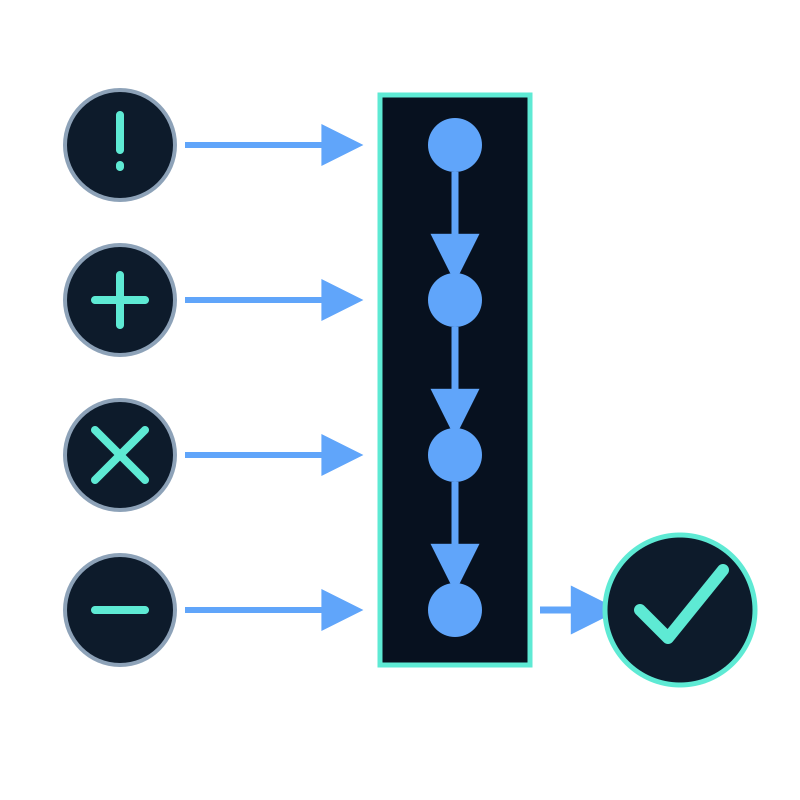
Start troubleshooting at the failed stage. Page access, dataset contents, retrieval, embed code, and source freshness are separate parts of the Search Center workflow.
The hosted page is not publicly available
Check: Publish a public page must be on and authentication must be None.
Expected result: The link opens in a private browser window.
If API or OIDC authentication is intentional, the unavailable anonymous page is correct. Use an authenticated embed.
Search returns nothing useful
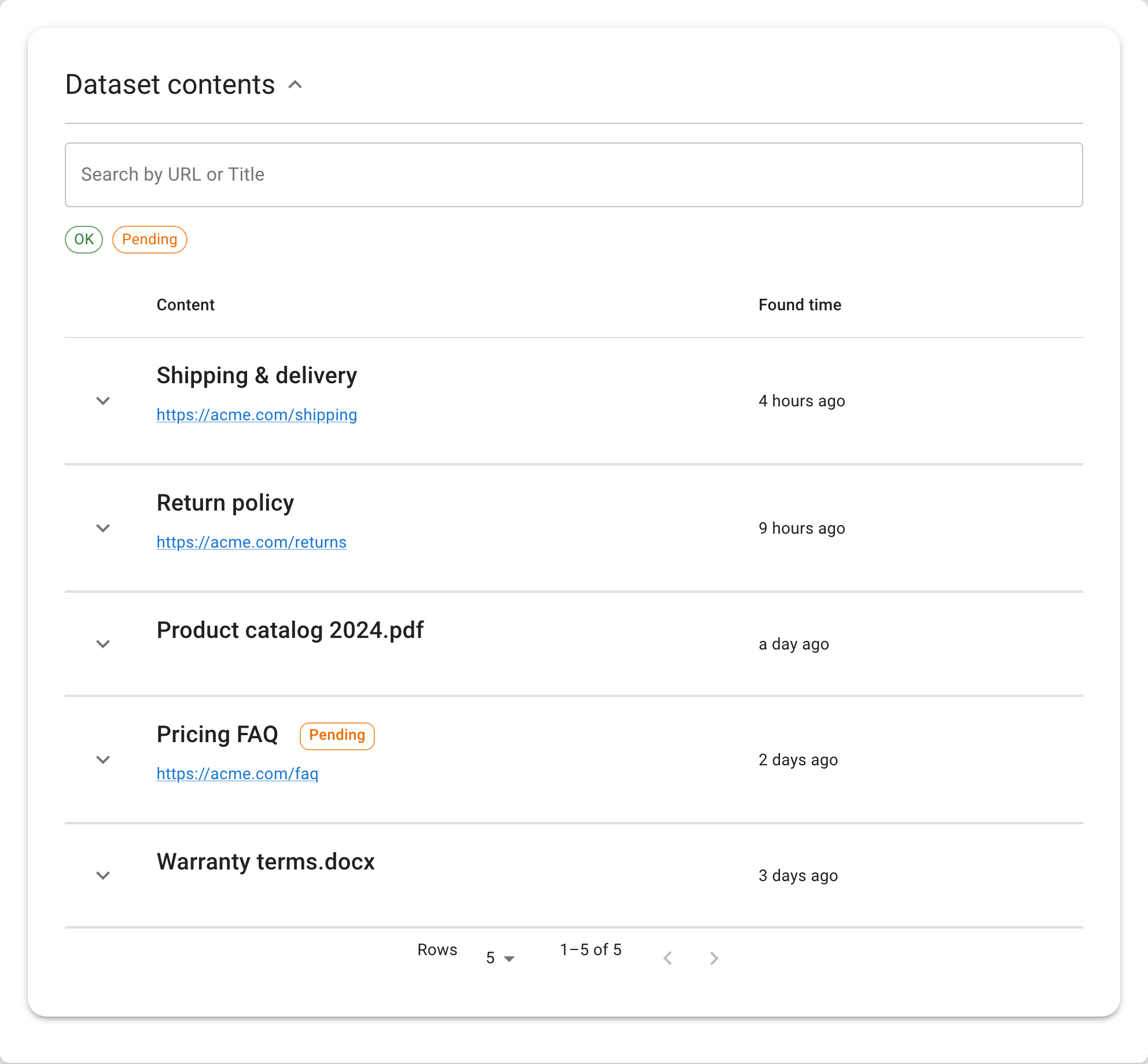
Check: Open the connected dataset and confirm that it contains processed records for the expected source.
Recovery: Fix the capture scope, run the job, and inspect the record before repeating the question.
The embed is blank
Check these items in order:
- the Seekdown runtime script loads;
- the page contains
#seekdown-assistant-root; startAssistantreceives the correctsrch-…ID;- a private embed receives valid authentication; and
- the deployed domain matches Allowed origins.
Use the browser console to distinguish a missing runtime from an authorization failure.
The wrong content is being searched
The dataset is selected when the Search Center is created and is not replaced from its settings. Point the existing dataset's capture jobs at the intended sources, or create a new Search Center with the correct dataset.
Do not mix unrelated sources merely to avoid creating the correct dataset boundary.
The answer is correct but the citation is weak
Open the document card and find the supporting passage. If the link opens a generic homepage or a page that omits the stated fact, capture the authoritative source and retest.
The answer is stale
Check the source page first, then the capture job's last run, then the dataset record, and finally the repeated query. This order identifies whether the delay is in publishing, capture, or answer retrieval.
The layout fails on mobile
Test the empty state and a completed result. Long suggestions, descriptions, and source titles are common causes of awkward wrapping. Shorten interface copy without removing necessary meaning.
Change one stage at a time and repeat the same failing input. Otherwise a fluent new answer can hide the actual cause.