How to prepare your website for an AI assistant
Do not begin by indexing every public URL. Begin with the questions the assistant must answer and the pages that contain the approved facts.
Preparing a website for an AI assistant is mainly content work: find the authoritative sources, resolve contradictions, and define which pages the crawler may use.
Build a question-to-source map
List 15 to 30 real questions from support, sales, onboarding, or site search. For each question, identify the page that should support the answer.
| Question | Approved source | Content issue | Action |
|---|---|---|---|
| "What happens if I cancel?" | Billing terms | Rule is split across two pages | Consolidate or cross-link the rule |
| "Where do I add the embed?" | Deployment guide | Current step is clear | Include the guide |
| "Does this support my platform?" | Integration documentation | No answer exists | Document the real capability or define a fallback |
| "Which plan fits this usage?" | Pricing page | Values change regularly | Keep one authoritative pricing source |
If an important question has no source, the first task is to write or clarify that source. An assistant cannot cite information your site does not contain.
Remove conflicting and low-value pages
Search for duplicate versions of pricing, policies, setup instructions, and old campaign pages. Decide which page is authoritative, then update, redirect, or exclude the others.
Also identify content that should not enter a public assistant's dataset:
- account and login pages;
- checkout and cart flows;
- tag, author, and search-result archives;
- staging or preview content;
- outdated release documentation; and
- private or customer-specific material.
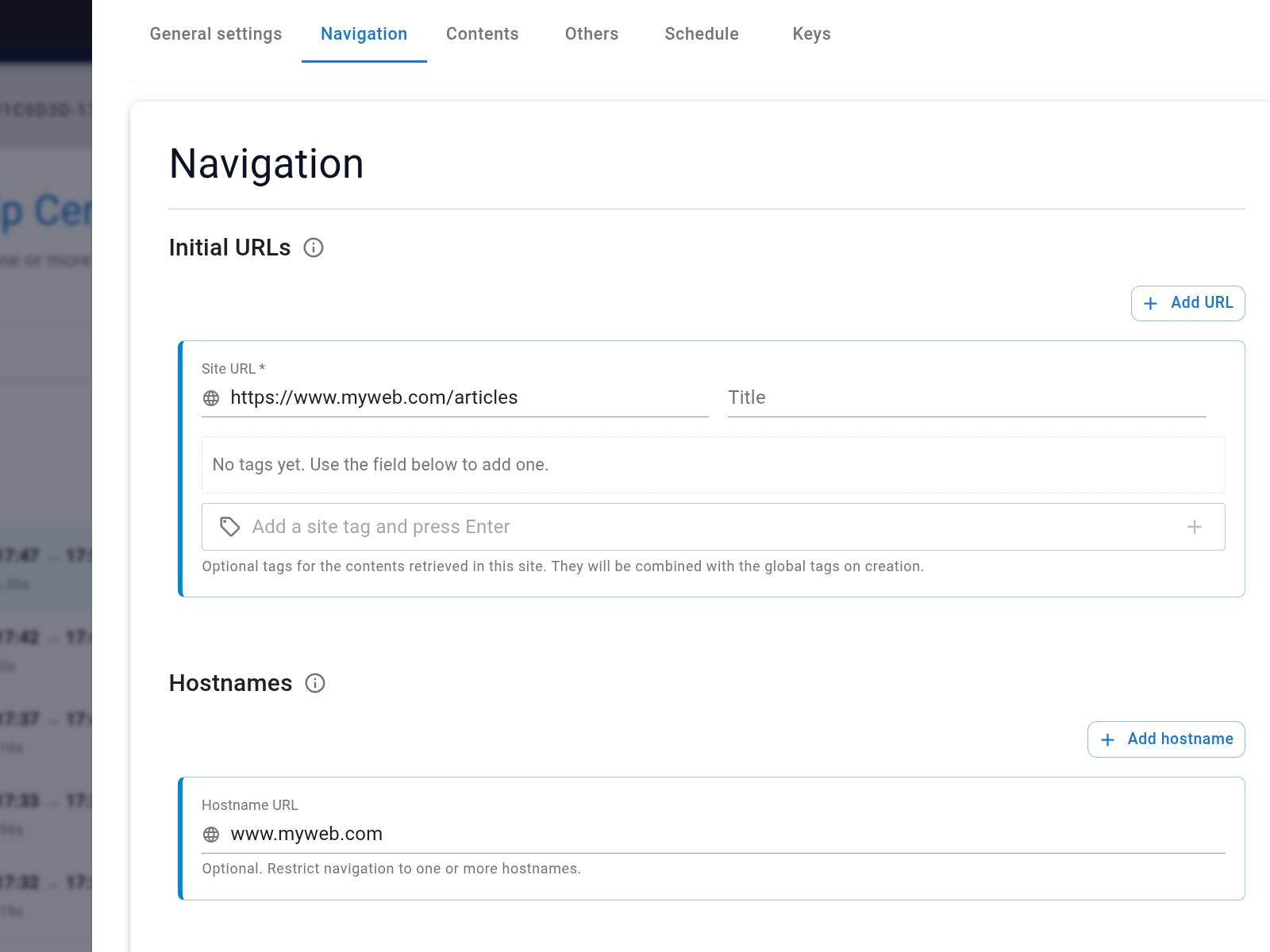
Use crawler hostnames and path rules to enforce the boundary. For example, include "/docs/" while excluding "/docs/archive/" and "/login/".
Make important facts readable
Put important limits, requirements, exceptions, and next steps in normal page text. A policy hidden only in an image or an ambiguous comparison chart is harder to retrieve and verify.
Use descriptive headings and keep one version of each fact. Links between related pages help visitors and make the source relationship easier to understand.
Create the acceptance test before launch
Turn the question-to-source map into a test sheet:
| Field | What to record |
|---|---|
| Question | The visitor's actual wording |
| Expected source | The page or document that should support the answer |
| Required fact | The minimum information the answer must contain |
| Prohibited claim | Anything the assistant must not infer |
| Fallback | What should happen when the source is incomplete |
| Result | Pass, partial, fail, and reviewer note |
Include short questions, misspellings, internal-vocabulary mismatches, and unsupported requests. Test again whenever an important source changes.
Treat missing answers as content findings
If several real questions fail because no page states the answer, improving the source may help both the assistant and people browsing the site.
Once the source set passes this audit, connect it to the assistant and review the captured records before publishing.