Translate a Search Center
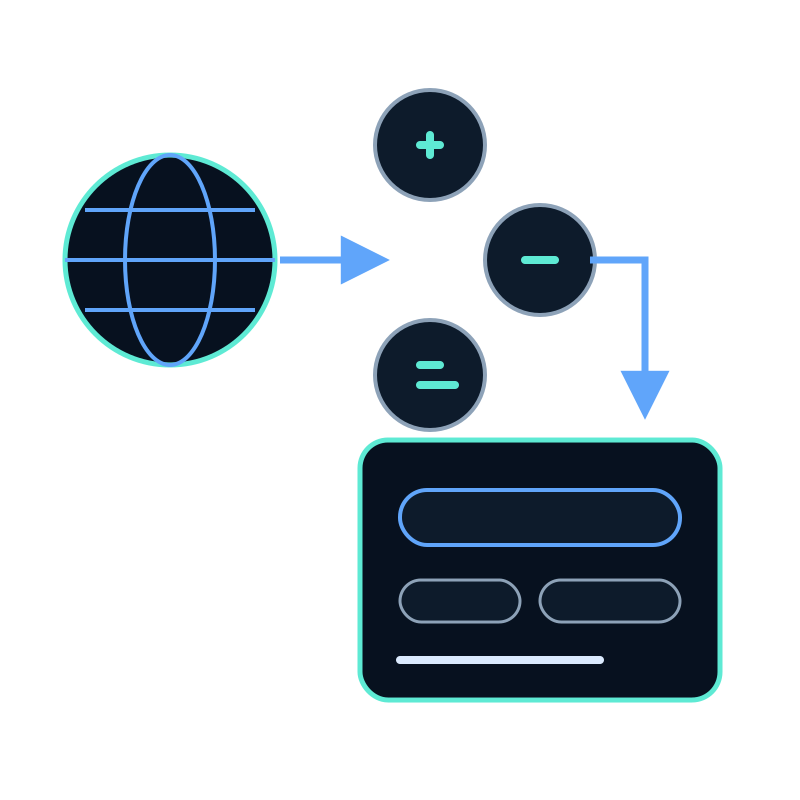
The Translations settings localize the Search Center interface: its buttons, labels, placeholder, error states, and other visible messages. They do not translate the source documents or control the language of generated answers.
Plan the interface languages
Seekdown includes English, Spanish, and Catalan interface translations. You can add another language code and provide its strings.
Start with the text visitors encounter during the main task:
- the search placeholder and action;
- suggestion and clear-result controls;
- overview and reference labels;
- no-result and error messages; and
- attribution or contact text used by the selected layout.
Add a language
- Open the Search Center and choose Translations.
- Select Add language.
- Enter the language code, such as
FRorDE. - Fill in the interface strings.
- Save the configuration.
The page uses the visitor's browser language from navigator.language and selects the closest configured match. If no match is available, it falls back to English.
Test the complete search state
Do not stop after checking the empty search box. Run this matrix for each language:
| State | Text to inspect |
|---|---|
| Initial page | Placeholder, search action, suggestions |
| Loading | Progress or waiting text |
| Successful result | Overview, document count, result actions |
| No supported result | Empty or no-result message |
| Error | Error text and recovery action |
| Narrow screen | Wrapping, chip size, buttons, source cards |
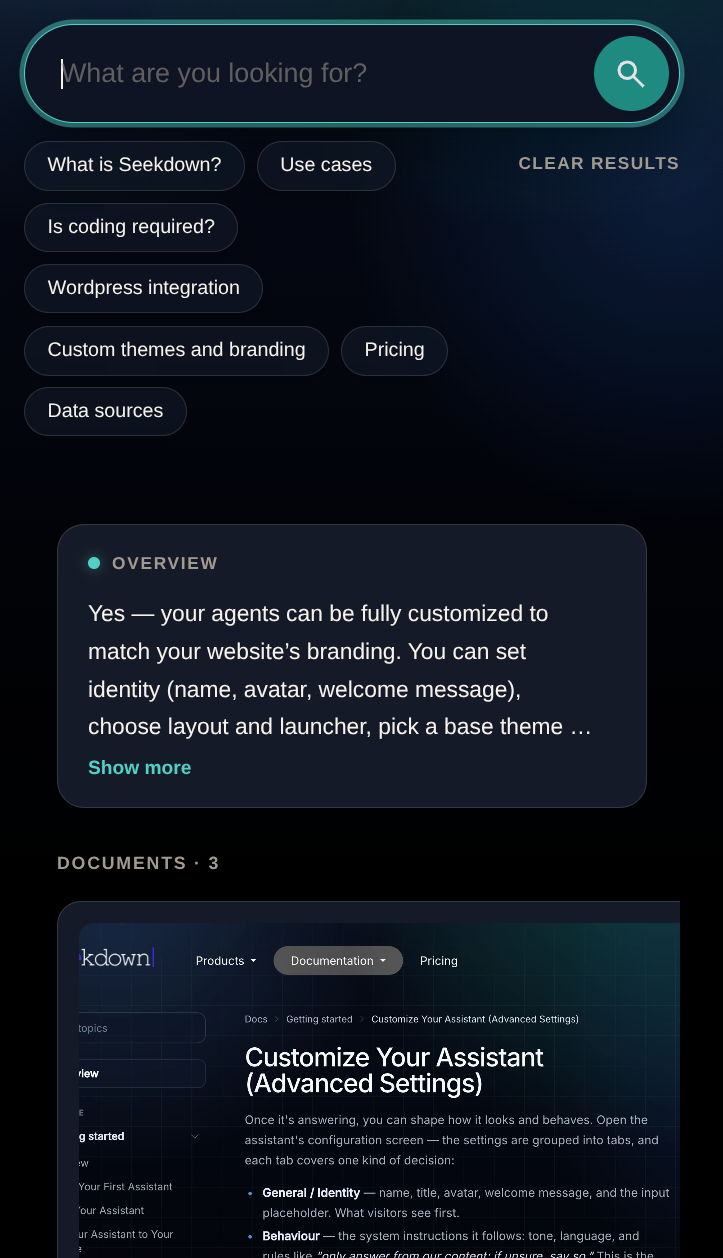
Change the browser language, reload the public page, and repeat the test. An existing tab may retain prior state, so use a fresh visit when checking automatic detection.
Interface language and answer language are separate
Translation settings change the page controls. Answer language depends on the source material and the response configuration used by the underlying search experience.
Use native terminology consistently across the title, description, suggestions, and interface. A translated button beside untranslated suggestions still creates a mixed experience.