Use your website content in an AI assistant
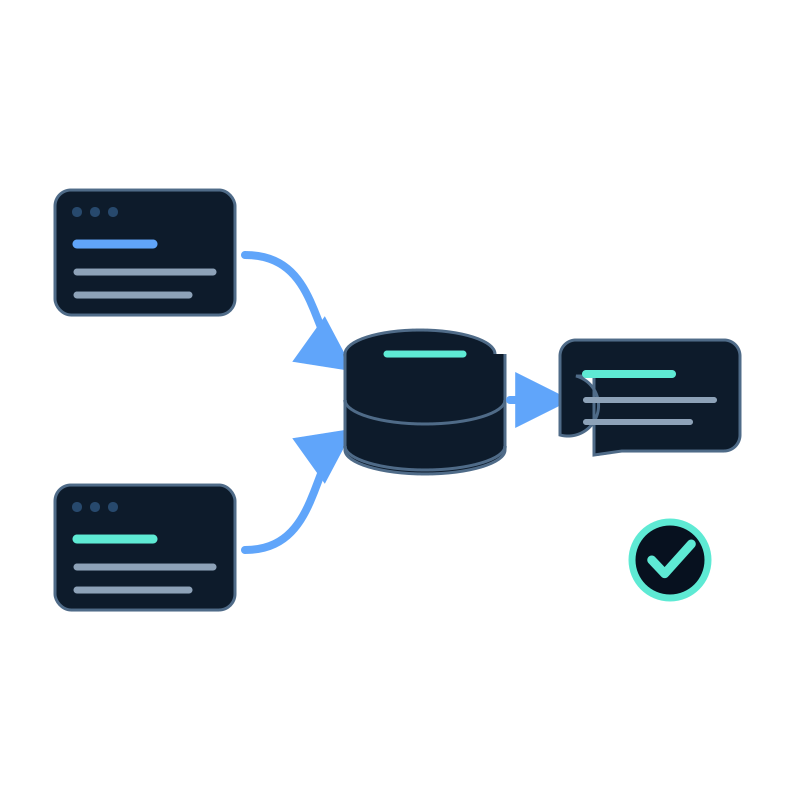
People often call this "training an AI assistant", but the practical Seekdown workflow is to capture approved pages into a memory dataset and connect the assistant to that dataset. Updating the source does not retrain a general model; it refreshes the content available for retrieval.
Select the pages
Start with a question-to-source map. Include pages that contain current product facts, setup instructions, policies, FAQs, or support procedures.
Exclude private areas, checkout and account pages, tag archives, drafts, old campaigns, and obsolete documentation.
Configure the website capture
Open Data capture, create a website job, add the starting URLs, choose the destination dataset, and set the allowed hostnames and path rules.
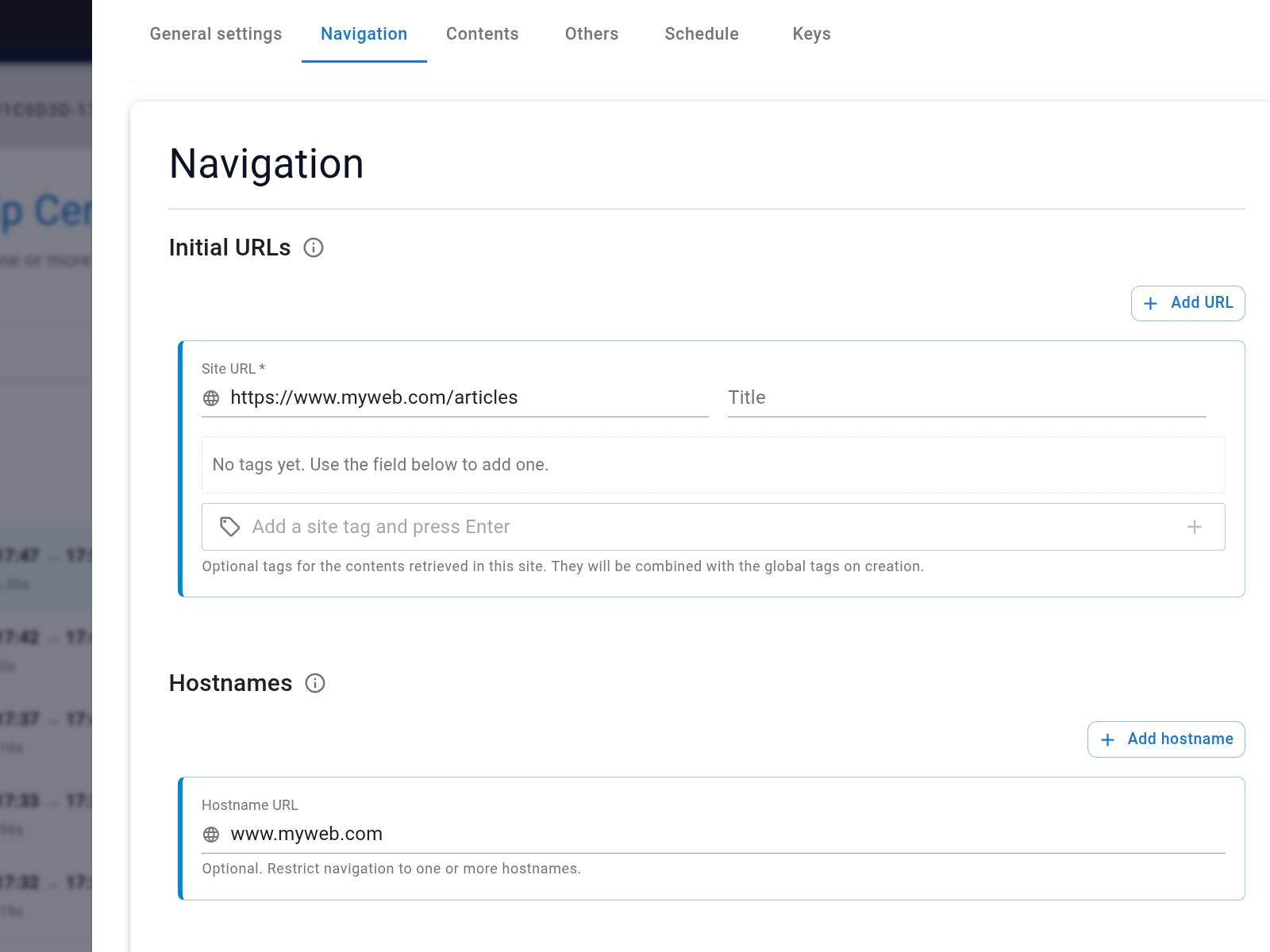
Start with Preview or another small scope, review the discovered links, then widen the cap only when the capture contains the right pages.
Inspect the dataset
Wait for the job to reach Finished, then search the memory dataset for known titles and facts. Open several records and verify the body, URL, and current wording.
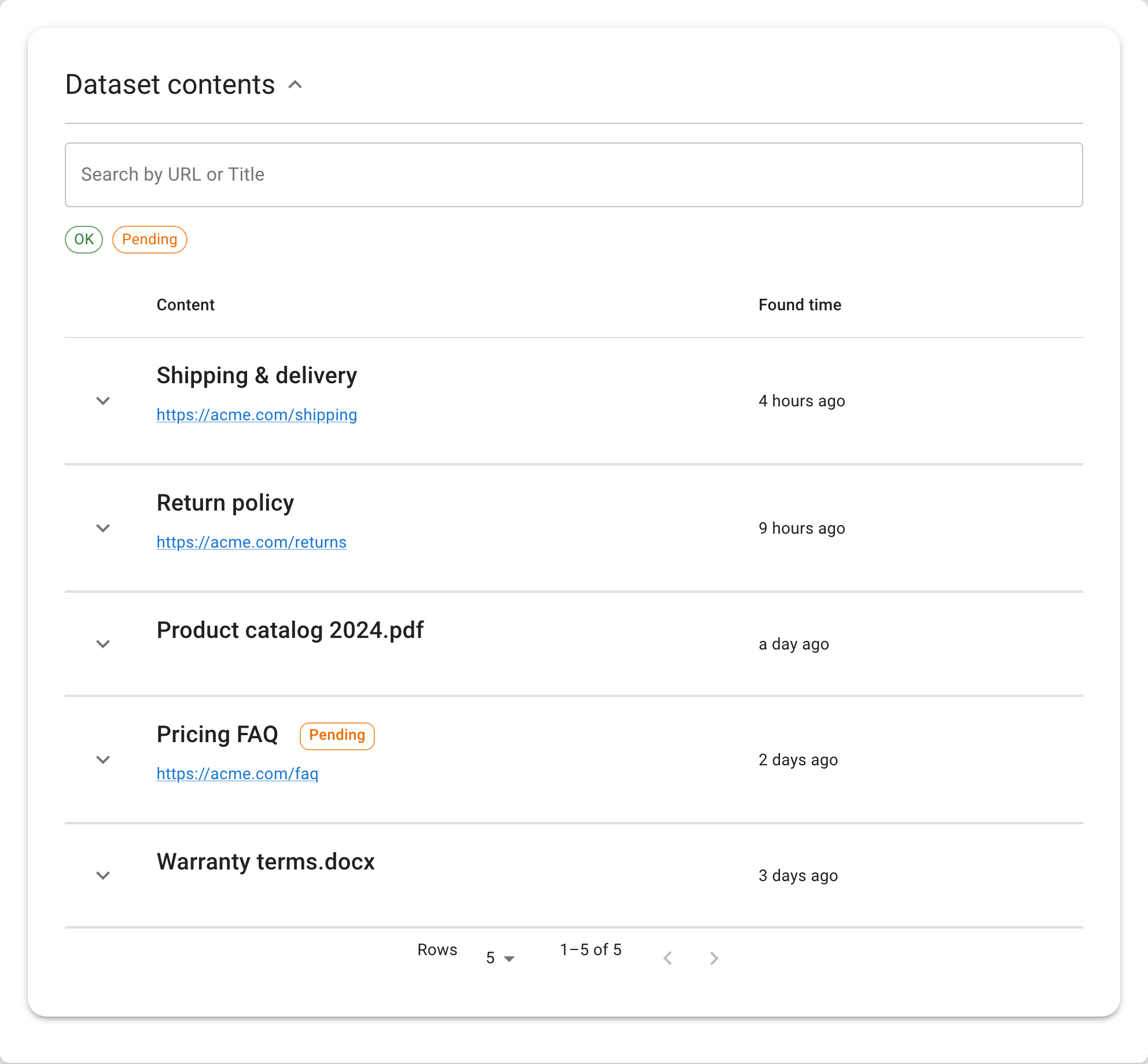
If the captured text does not contain an answer, the assistant cannot retrieve it reliably. Fix the page or capture method before tuning the response.
Connect and configure the assistant
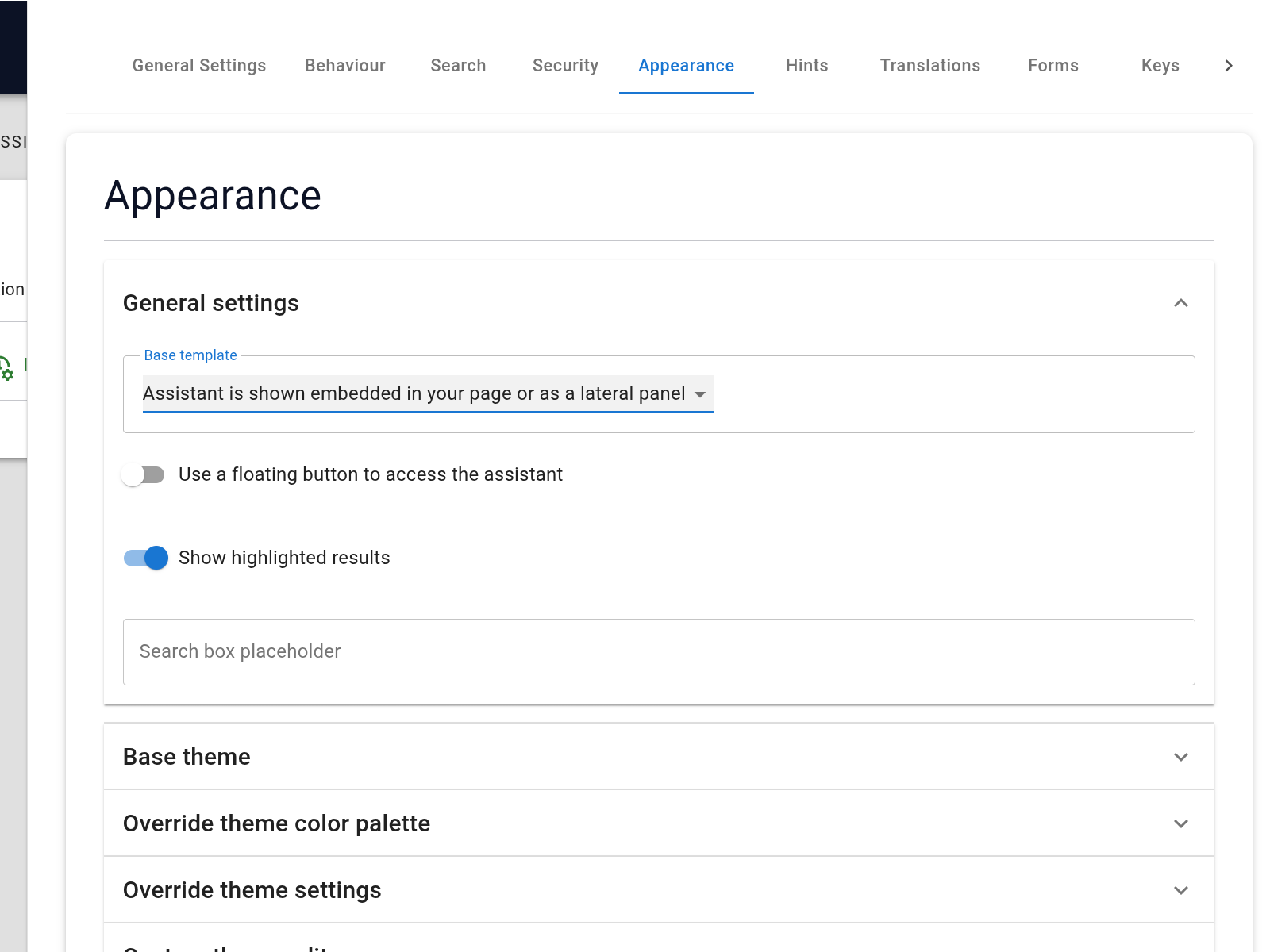
Create or open the assistant and select the dataset. Define its scope, tone, source use, and fallback behavior. Keep Show highlighted results enabled during testing so you can inspect the reference cards.
Test before publishing
For each important question, record:
- the expected source;
- the fact the answer must contain;
- any condition it must preserve;
- what it must not infer; and
- the fallback when the source is silent.
Ask natural, abbreviated, and ambiguous versions. Open the citations and locate the supporting text.
Keep it current
Schedule the capture job according to how often the source changes. After a material website update, confirm the page was processed and rerun the affected question.
The durable work is source selection, capture review, and regression testing. Calling it training should not hide those operational steps.