Keep AI answers in sync with your documentation
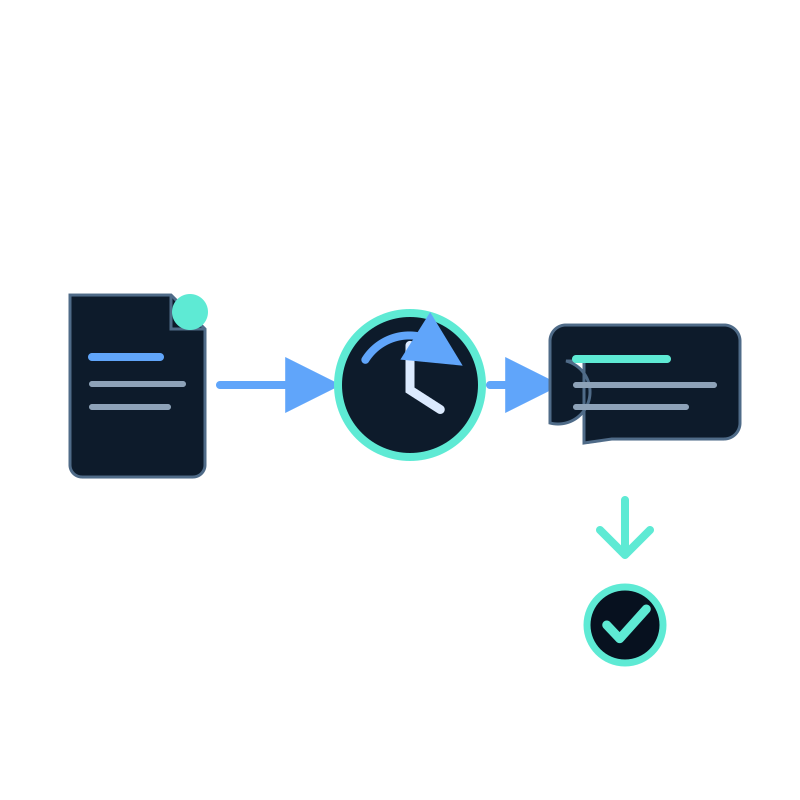
Publishing a documentation change and refreshing an assistant are two separate events. A recurring capture job connects them by revisiting the selected docs and processing the current text into the dataset.
The schedule should follow the documentation release process, not an arbitrary SEO target.
Match jobs to documentation versions
If current and legacy docs live under different paths, capture them into separate datasets or exclude the versions that should not answer public questions.
For example, include the current docs path and exclude archive or versioned paths that no longer apply. Review allowed hostnames when docs use subdomains.
Choose the schedule
| Publishing pattern | Starting approach |
|---|---|
| Continuous small edits | Daily capture |
| Several releases each day | Multi-hour capture if freshness requires it |
| Weekly release train | Capture after release or every seven days |
| Controlled compliance docs | Manual capture after approval |
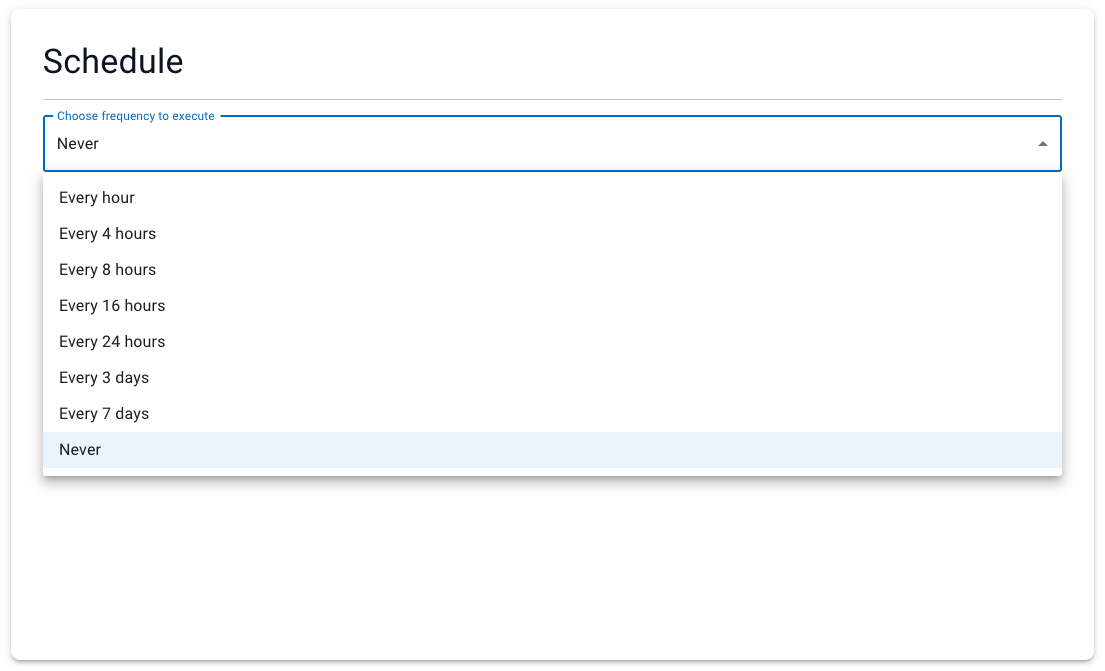
Seekdown provides intervals from every hour through every seven days, plus Never.
Add freshness checks to the release
For each material documentation change:
- name the changed page;
- record one question affected by the change;
- confirm the next capture finishes;
- find the new wording in the dataset;
- ask the recorded question; and
- open the citation.
This is more reliable than checking only the capture timestamp. A finished job may still have missed a URL because of path rules, depth, or a page error.
Handle removals and contradictions
When a workaround or old option is removed, search the remaining dataset for the old wording. Release notes, translated pages, and cached copies can continue to support the obsolete answer.
Do not ask the assistant to choose silently between conflicting docs. Designate one current source, remove the obsolete page, or state the version boundary explicitly.
Recurring crawling keeps the source copy moving. Regression questions show whether the answer moved with it.