Let visitors ask questions about documents
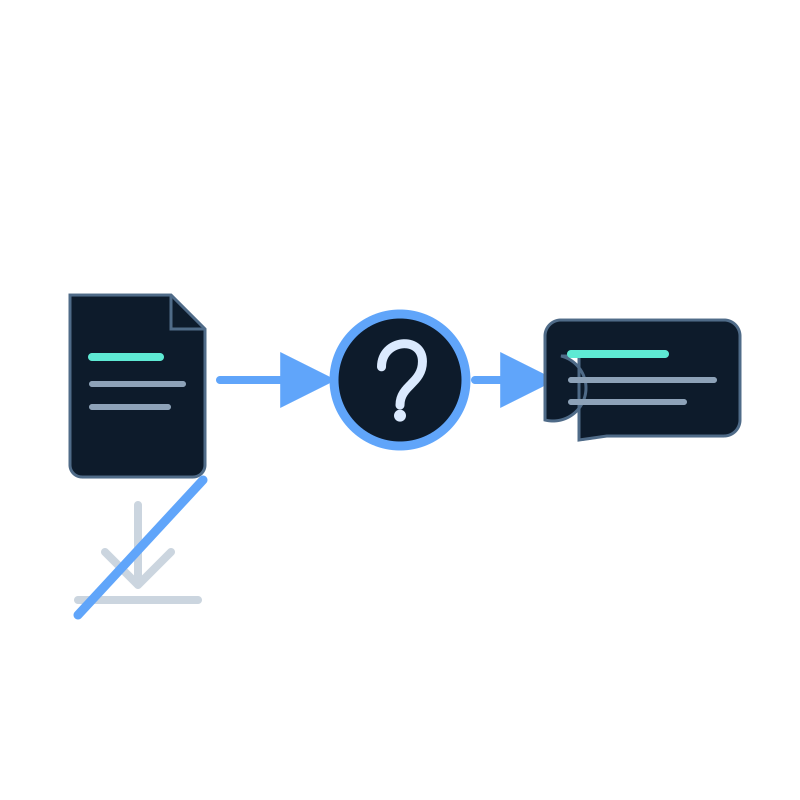
A document library often makes visitors download several files before they know which one contains the answer. A question interface can shorten that path while keeping the original documents available.
In Seekdown, uploaded files are processed into a memory dataset. An assistant or Search Center can then answer from that dataset and show the supporting source.
Prepare the document set
Choose documents that belong in the same answer context. A public Search Center should not share a dataset with private staff procedures.
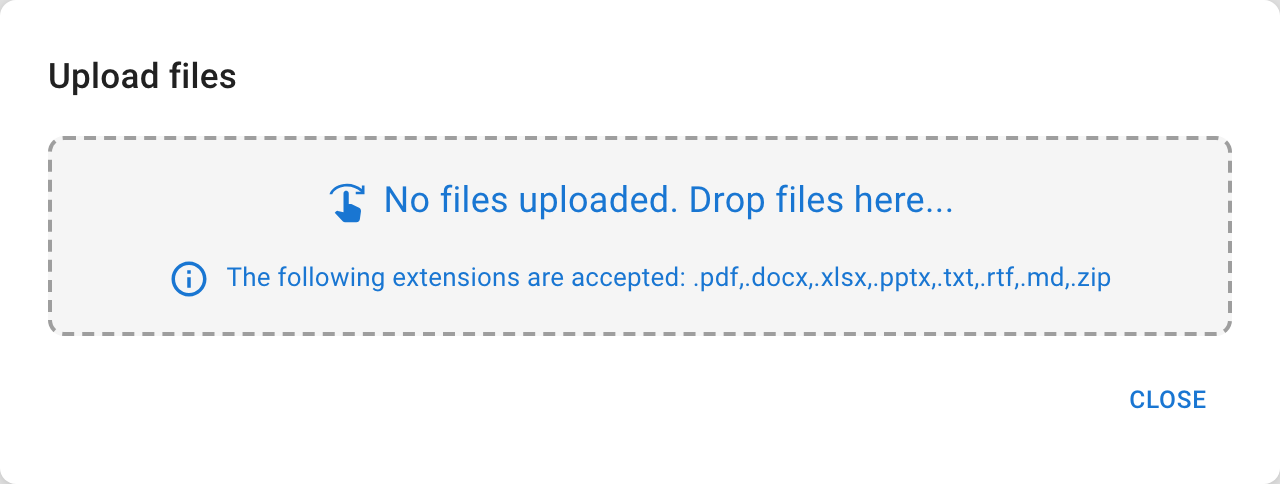
Remove duplicates and obsolete editions. Give each file a title that identifies its subject and version. Seekdown supports PDF, DOCX, XLSX, PPTX, TXT, RTF, ZIP, and Markdown uploads.
Upload and inspect
Open the dataset and choose Import → Upload files. Wait for processing to complete.
Search the dataset contents for a phrase from each important file. This confirms that the document was processed and that its useful text is present.
Choose the visitor experience
Use an embedded assistant when questions should be available while visitors browse a product or support page. Use a Search Center when document search is the main task and deserves a dedicated page.
Whichever surface you choose, keep access to the original file. The answer should help the visitor understand the relevant passage, not replace the source.
Configure and test the answer behavior
Use questions drawn from actual document tasks:
- find a requirement;
- compare two stated options;
- locate a procedure;
- identify an exception; and
- ask something the document set does not cover.
For each question, record the expected document and required fact. Confirm that the answer cites the correct file and does not merge incompatible versions.
Define the fallback
When no approved document answers the question, say that clearly and provide the appropriate contact or next step. Do not fill the gap from general model knowledge.
Keep the library current
Assign an owner to each document group. When a file changes, replace or remove the old edition, wait for processing, and run the affected test questions again.
A successful implementation lets visitors get a direct answer and still open the document that supports it.