Keep an AI chatbot updated from your website
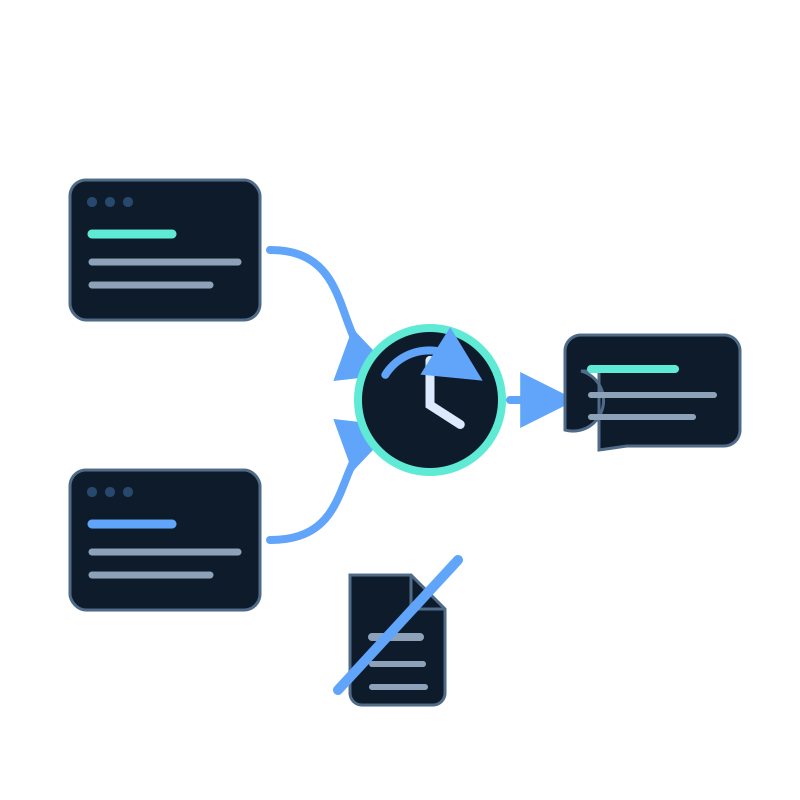
If your chatbot depends on website pages, repeatedly exporting and uploading those pages creates unnecessary work. A website data capture job can revisit the approved sections and update the connected memory dataset on a schedule.
This guide describes the implementation path in Seekdown.
Before you configure the job
Prepare three things:
- the public URL where discovery should begin;
- the hostnames the job may visit; and
- the sections that should be included or excluded.
Do not begin with the whole domain by default. Login screens, checkout pages, tag archives, old campaigns, and duplicate print views can add noise without helping an answer.
Configure the capture scope
Open Data capture, create or edit a website job, and review its Navigation settings.
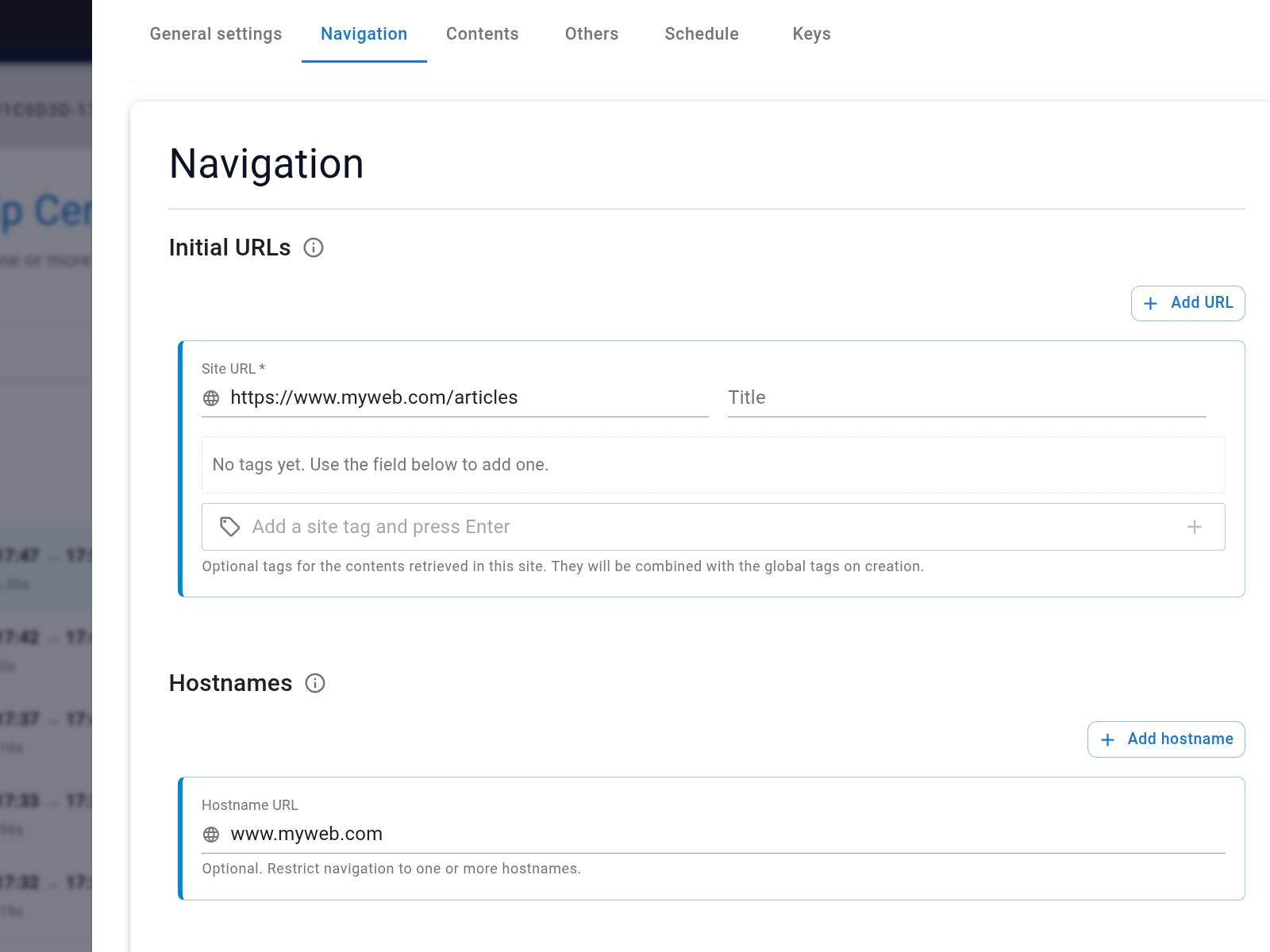
Use included and excluded path patterns to make the boundary explicit. For a documentation site, a starting configuration might include "/docs/" and exclude "/docs/archive/", "/login/", and "/tag/". Excluded paths take priority.
Set a page cap and link depth that are large enough to reach the intended content but not unrelated sections. Save the job and run it once before adding a schedule.
Review the first run
Check the discovered links and captured records.
- Are the pages you expected present?
- Did the job leave the allowed hostnames?
- Did an exclusion remove an important page?
- Does the captured text contain the facts a visitor needs?
- Are obsolete and duplicate pages absent?
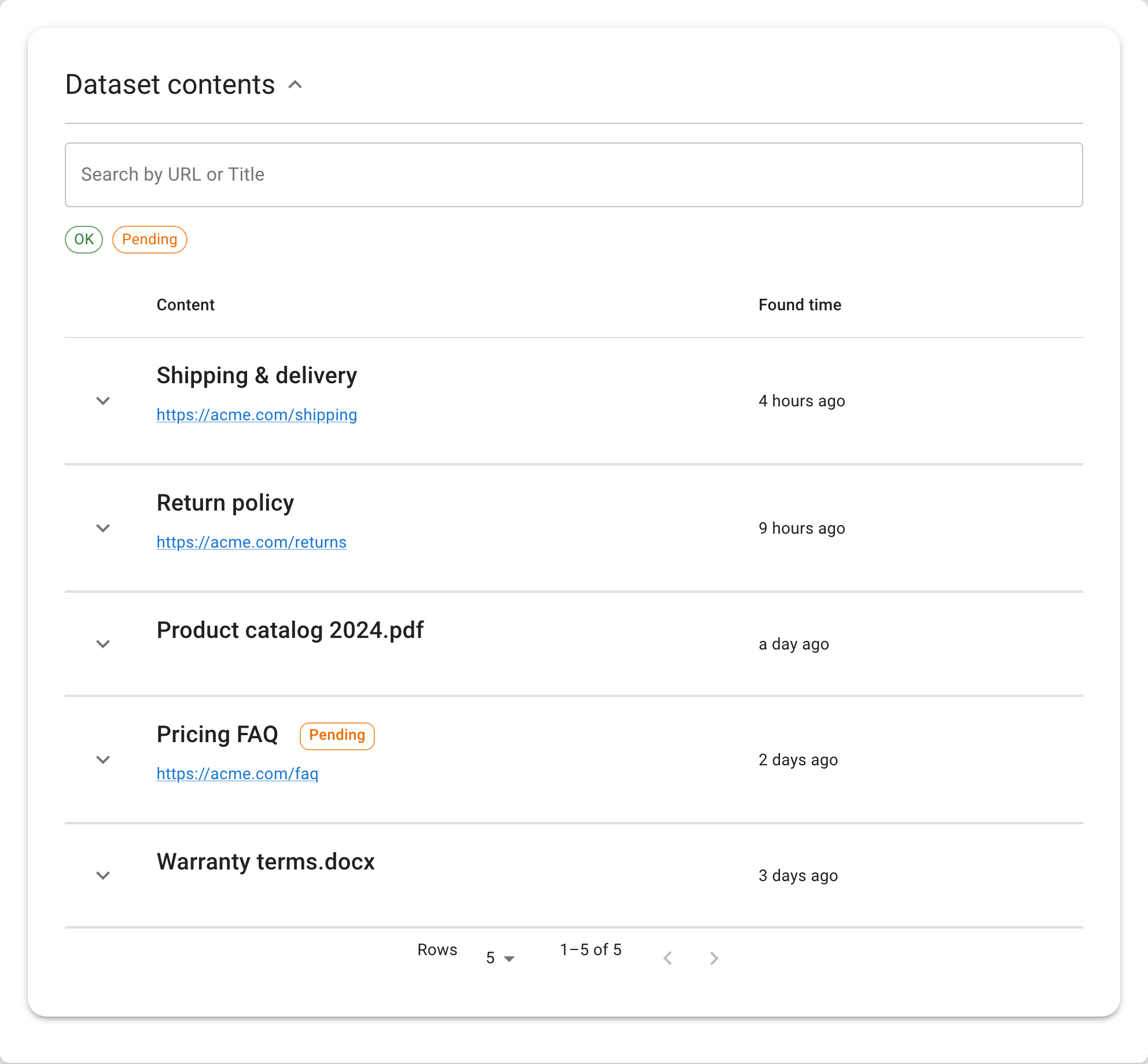
Correct the scope now. A schedule will repeat the same mistake if the first run captures the wrong pages.
Add the schedule
In the job's Edit properties view, open Choose frequency to execute. Seekdown provides hourly, 4-hour, 8-hour, 16-hour, daily, 3-day, and 7-day intervals, as well as Never.
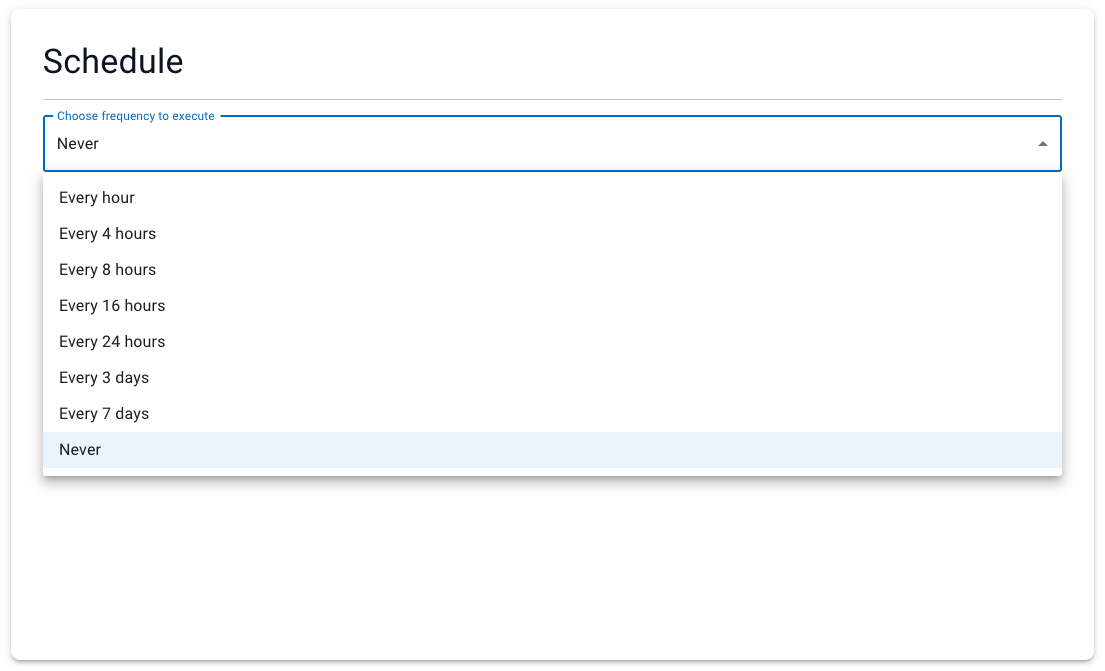
Choose the cadence from the source's rate of change. Product listings may justify several runs a day; stable policies may need a weekly run or a manual capture after approval.
Verify the chatbot uses the new content
Pick a question tied to one controlled page. Record the current answer and citation, change the page, complete the next capture, and ask the same question again.
A successful check has four parts:
- The changed URL appears in the completed capture.
- The updated text appears in the dataset.
- The chatbot's answer reflects that text.
- The citation opens the updated source.
If any step fails, diagnose that stage. Do not assume the schedule itself guarantees freshness.
For scope and schedule details, see Configure data capture jobs.