How an AI assistant stays updated when your website changes
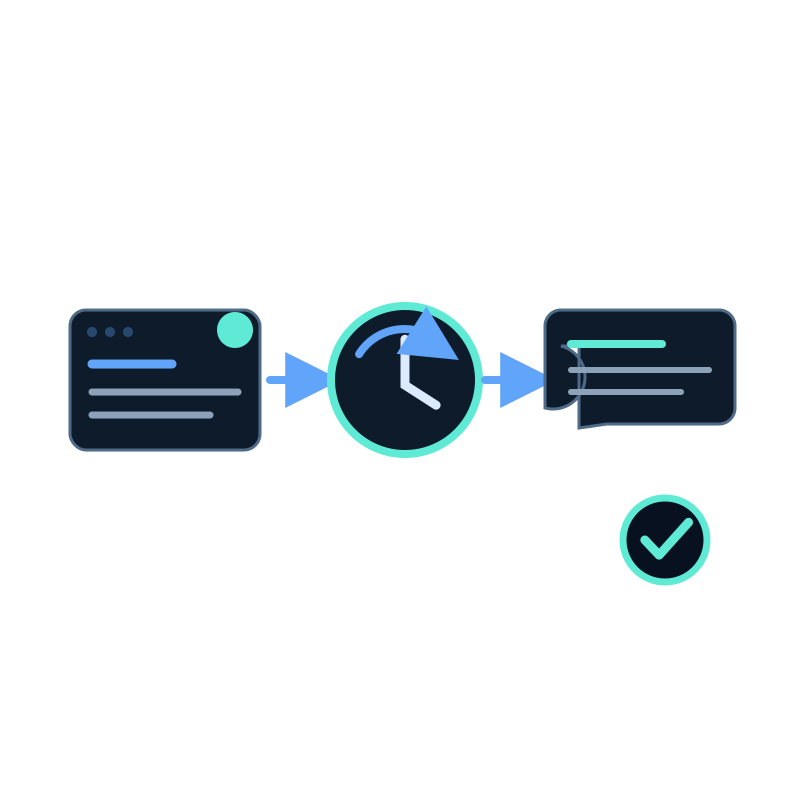
Changing a page does not instantly change an assistant's answer. The new text must be captured, processed, and indexed in the dataset the assistant uses.
A scheduled website data capture job can repeat that workflow. The schedule removes the need to upload every changed page by hand, but it still needs a sensible scope, a cadence, and checks for failed or incomplete captures.
What happens after a page changes
| Stage | What happens | What can go wrong |
|---|---|---|
| Source edit | Your team publishes a new price, policy, or instruction | Conflicting old pages remain public |
| Capture | The job revisits pages within its hostname and path rules | The changed page falls outside the configured scope |
| Processing | Captured content is cleaned and indexed in the dataset | Important text is hidden in an image or fails to process |
| Answer | The assistant retrieves the refreshed passage | Another source contradicts the new page |
| Review | A known question is asked again | Nobody checks whether the cited source changed |
This is why "automatic updates" should not be treated as a promise that every change will produce a correct answer. Scheduling initiates a repeatable capture; verification confirms the result.
Choose a cadence based on the source
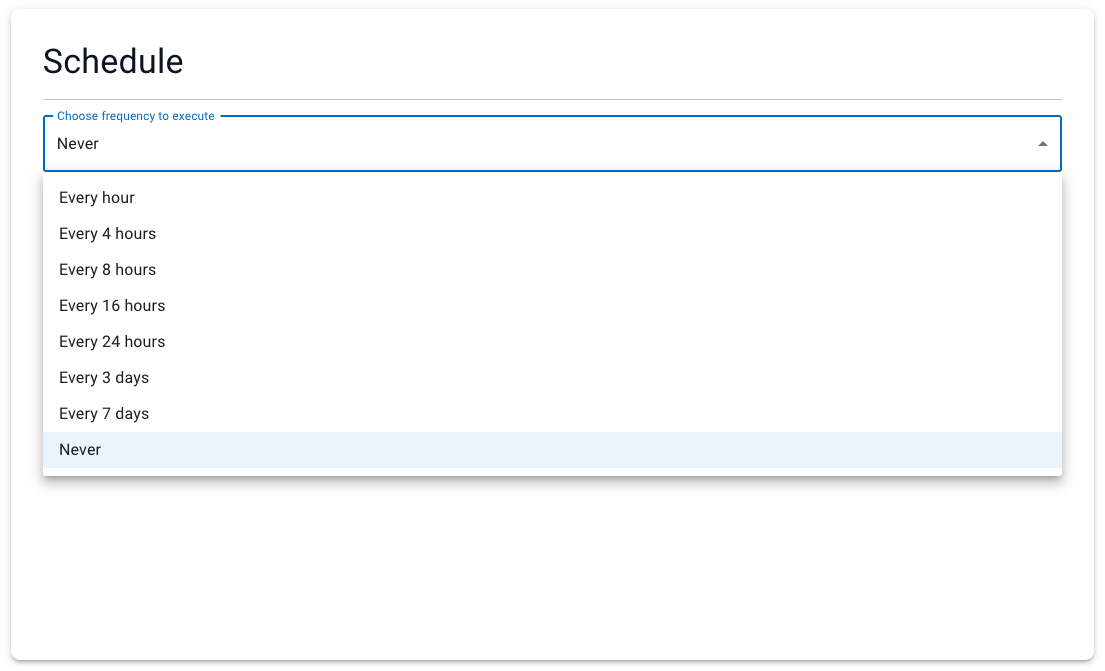
Seekdown website capture jobs support intervals from every hour to every seven days, plus Never for manual runs.
| Source | Starting cadence | Reason |
|---|---|---|
| Inventory or frequently changing listings | Every 1 to 4 hours | Availability may change during the day |
| Active documentation or release notes | Every 24 hours | Daily capture usually follows normal publishing |
| Policies and manuals | Every 7 days or manual after approval | These sources change less often and may require review |
| Mixed website | Separate jobs by section | One schedule rarely fits every source |
The shortest interval is not automatically the best. More frequent captures consume crawl resources and can repeatedly process pages that did not change.
Verify a refresh with a controlled question
Use one page and one question whose answer you know.
- Record the current answer and cited source.
- Make a visible, factual change to the source page.
- Run the capture job or wait for its next scheduled run.
- Confirm the page was captured and processed.
- Ask the same question again.
- Check both the answer and its cited source.
If the answer remains old, inspect the job scope, discovered links, processing state, and duplicate sources before changing the assistant's response instructions.
A recrawl preserves source conflicts
If an old FAQ and a new policy page disagree, capturing both again does not decide which one is authoritative. Fix or exclude the conflicting source.
Assign ownership to the source
The assistant is the last step in a content workflow. Product owners still need to update product pages, support teams still need to maintain procedures, and someone must review capture failures.
A practical ownership record contains the source section, its owner, expected update frequency, capture job, and one regression question. That small record makes stale answers easier to diagnose than a general instruction to "keep the chatbot current."