AI search for websites: how it helps visitors find answers faster
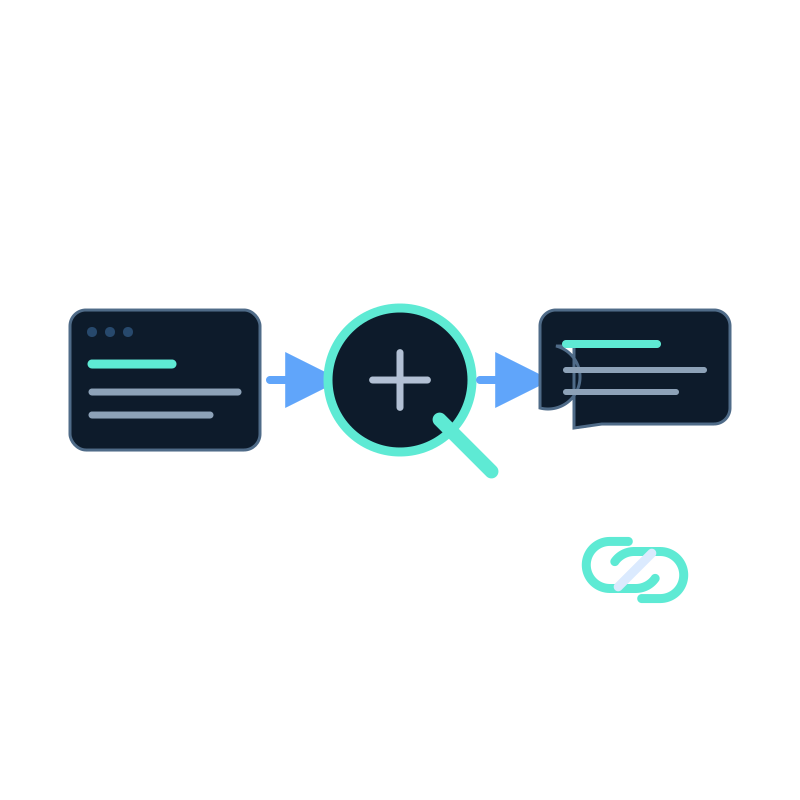
Keyword search works well when a visitor knows the term your website uses. It is less useful when the visitor knows the problem but not your product vocabulary.
AI search for websites accepts a question in ordinary language, finds relevant passages across the selected content, and writes an answer from those passages. The source links remain important: they let the visitor check the detail instead of treating the generated answer as the final authority.
What changes compared with keyword search
| Visitor need | Keyword search | AI search |
|---|---|---|
| Find a known page | Matches words in titles and body text | Can still retrieve the page |
| Ask a practical question | Often returns several links to inspect | Can combine relevant passages into one answer |
| Verify a policy or limit | Requires opening and comparing results | Shows an answer with links to the supporting pages |
| Handle a missing answer | May return weak matches | Should say the selected sources do not answer it |
AI search is not automatically the better choice. A documentation reader looking for a known API method may prefer a fast list of exact matches. A visitor comparing rules across pricing, deployment, and FAQ pages may benefit more from a direct, cited answer.
How Seekdown handles a question
A Seekdown assistant or Search Center reads from a connected memory dataset. Website data capture jobs and file uploads add content to that dataset. When a visitor asks a question, Seekdown searches the indexed content, generates an answer from the matching material, and can display the sources used.
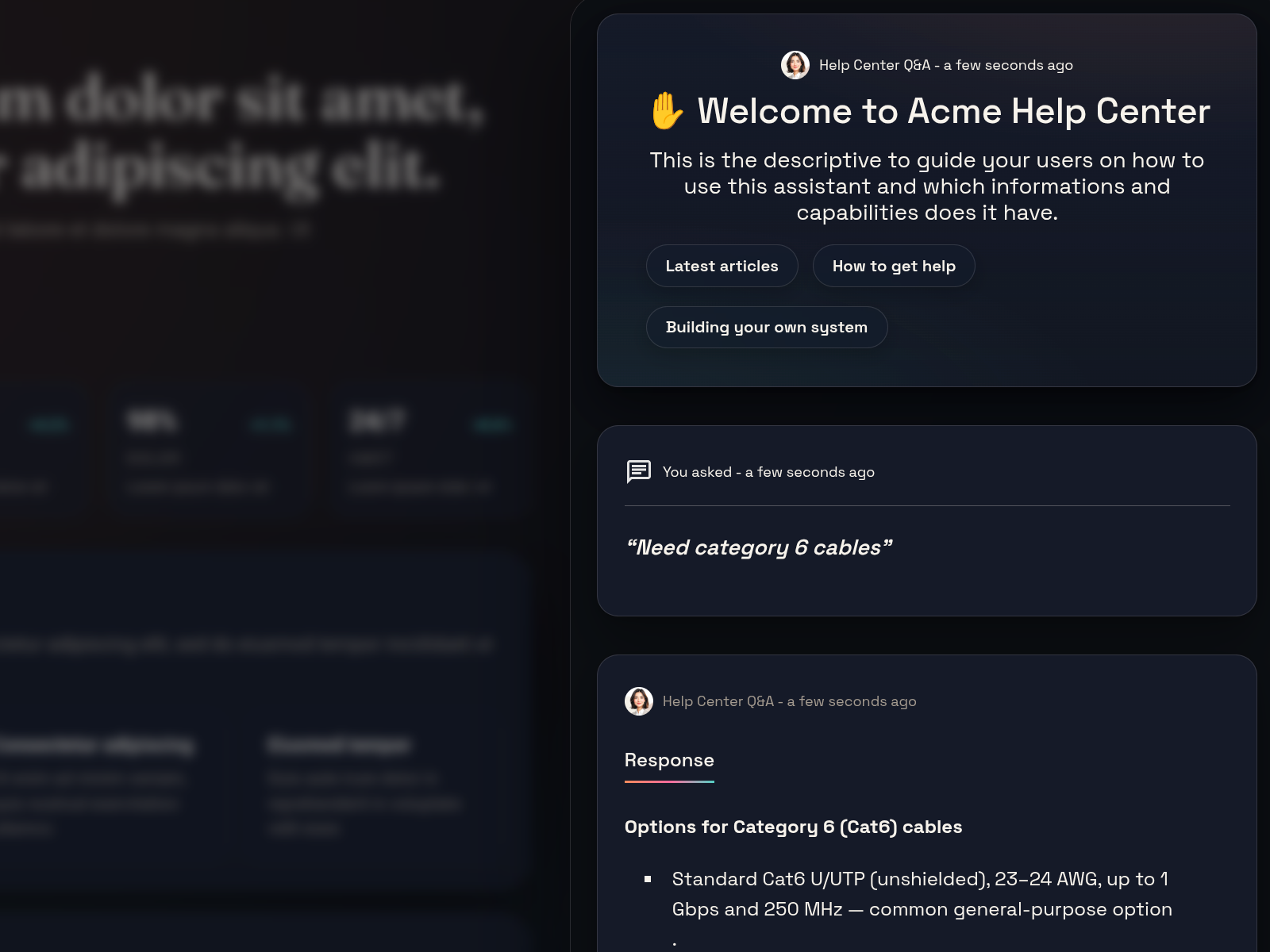
The screenshot shows the part visitors see. The quality of the answer still depends on decisions made earlier: which pages entered the dataset, whether old versions were excluded, and whether the source actually states the answer.
Test it with a small question set
Do not evaluate AI search with one polished demo question. Build a test set from real tasks.
| Test | Example question | What to verify |
|---|---|---|
| Direct fact | "Which plan includes the feature I need?" | The answer matches the current pricing source and cites it |
| Cross-page answer | "Can I embed this privately on my site?" | The answer uses both deployment and security documentation where needed |
| Vocabulary mismatch | Ask with a visitor term that differs from the page wording | The correct source is still retrieved |
| Unsupported request | Ask about a capability that is not documented | The answer states that the sources do not provide it |
| Changed content | Edit a controlled source and refresh the dataset | The next answer reflects the current source rather than the old text |
Record the expected source before testing. Otherwise it is easy to accept a fluent answer that came from the wrong page.
Judge retrieval and answer quality separately
A weak answer may come from missing source content, poor retrieval, conflicting pages, or unsuitable response instructions. Identify which stage failed before changing the assistant.
When a Search Center is a good fit
Use a Search Center when visitors need one dedicated place to search across a website, docs, FAQs, policies, or product material. An embedded assistant is a better fit when the question experience should remain available while visitors browse individual pages.
Both surfaces rely on the same basic discipline: select useful sources, remove noise, test real questions, and keep changing content current.
For implementation detail, see How to train an AI assistant on your website content.