Build a documentation Search Center
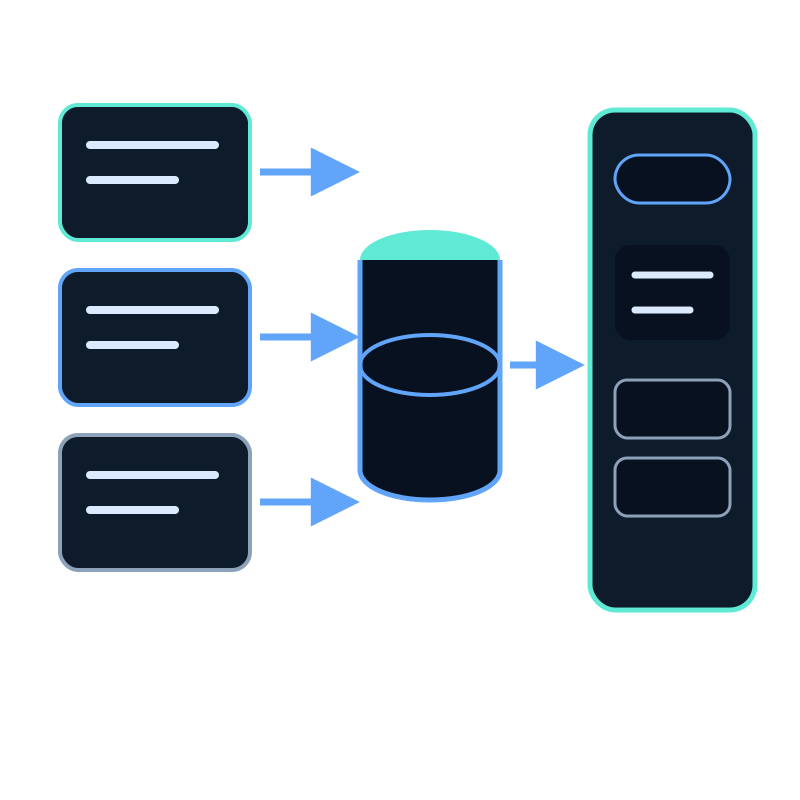
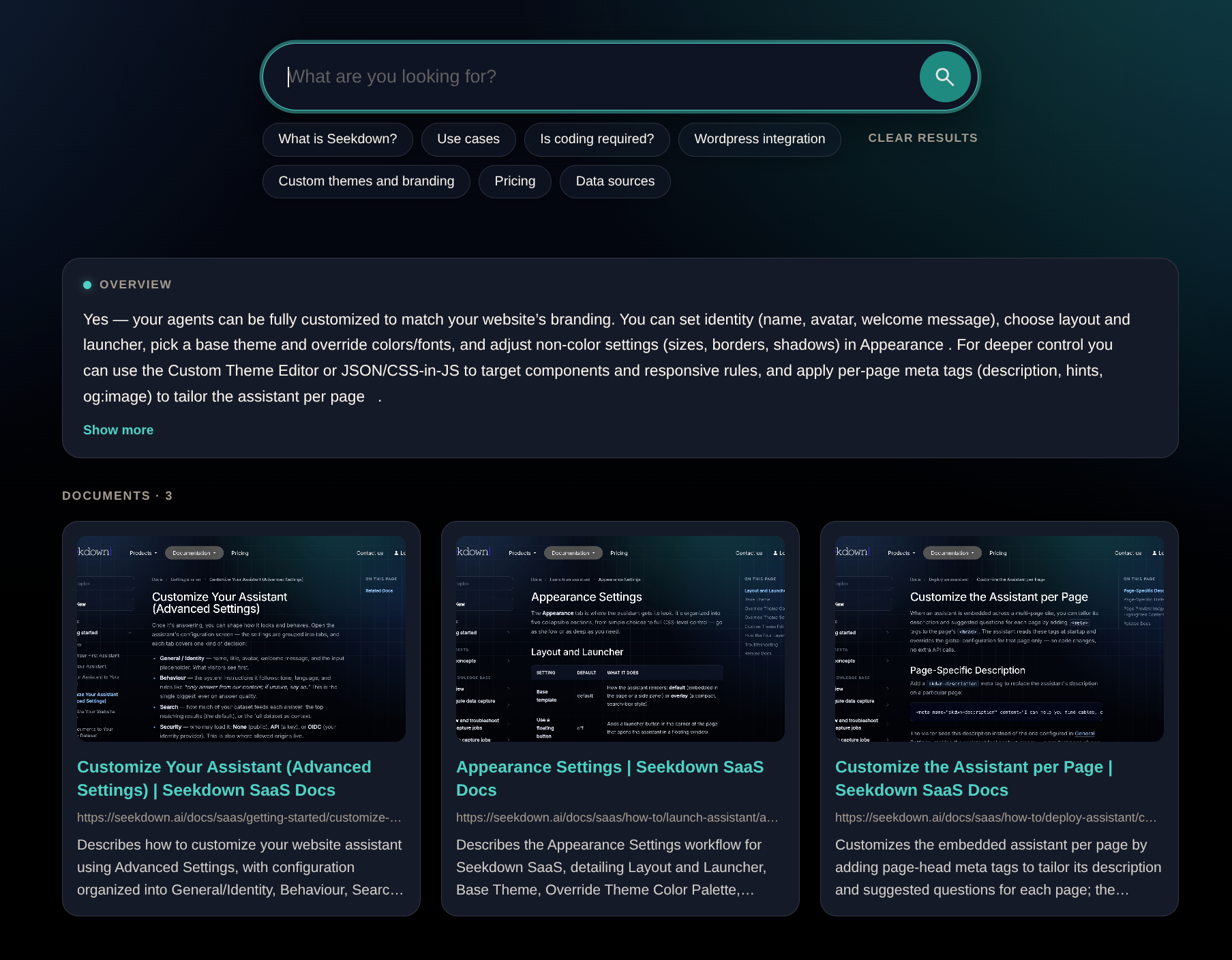
A documentation Search Center gives readers one place to ask implementation questions across selected guides. Build it around the maintained documentation boundary, not the entire company website.
Define the documentation scope
List the versions, products, and audiences the page should cover. Exclude old releases, internal runbooks, generated duplicates, account pages, and marketing content that does not answer implementation questions.
If several versions must remain searchable, make the version visible in titles and source text. Otherwise a correct answer for an old version can look current.
Capture and inspect the docs
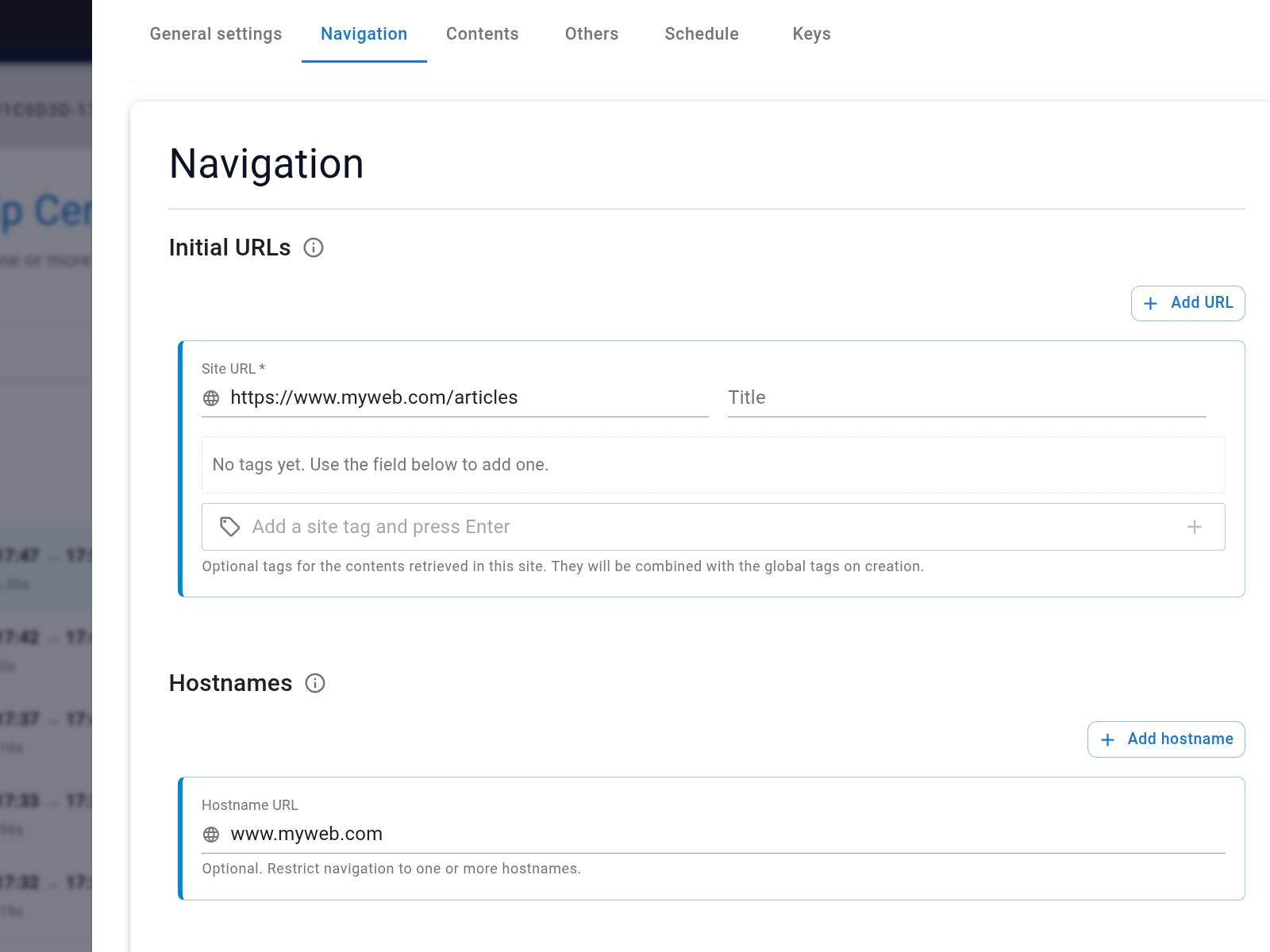
Configure a website capture job for the documentation hostname and paths. Set crawl depth, included paths, and exclusions deliberately.
After processing, inspect the dataset for:
- known page titles and code-related terms;
- correct canonical URLs;
- complete procedures and prerequisites;
- version labels;
- duplicated navigation or print pages; and
- retired sections that should be removed.
Create the Search Center
Select the documentation dataset during creation. Use a title and description that state the covered product and version.
Add suggestions based on tasks, such as:
- “How do I configure allowed origins?”
- “Which file types can I upload?”
- “How do I schedule a recurring capture?”
- “What should I check when the embed does not appear?”
Each suggestion must map to a maintained page that contains the answer.
Test navigation through answers
Use a matrix that includes exact feature names, problem descriptions, version-specific questions, and unsupported requests. Verify both the response and the linked passage.
For procedural answers, confirm that prerequisites and step order remain intact. For troubleshooting, confirm that the result cites the page for the actual symptom rather than a broad documentation landing page.
Keep release changes synchronized
Assign a capture schedule that matches the documentation release process. After a release, verify a changed fact in the source, dataset record, and Search Center answer.
The Search Center is an access layer over the docs. Documentation ownership, version control, and source quality remain the foundation.