How to extract product names, specifications, and prices from web pages
Product pages look consistent until you inspect variants, sale prices, units, and missing specifications. A useful extraction process preserves those distinctions rather than forcing every page into one flat record.
Start with a product schema
Use a field definition that states both meaning and evidence.
| Field | Example from a demonstration page | Extraction rule |
|---|---|---|
| productName | HX sanitary pump 240 | Use the main product heading |
| sku | HX-240-SS | Keep the published identifier exactly |
| price | 1299.00 | Store a number only when a price is stated |
| currency | EUR | Do not infer currency from language alone |
| salePrice | Empty | Keep separate from the regular price |
| specifications | pressure: 16 bar | Preserve the label, value, and unit |
| availability | Contact sales | Do not convert this into "in stock" |
| sourceUrl | Product detail URL | Required for every record |
| capturedAt | Capture timestamp | Required for freshness checks |
The example is illustrative, not customer data. Replace it with the fields and terminology of the catalog being captured.
Scope the crawl to product records
Start from a category page or sitemap and allow the product-detail paths. Exclude cart, account, search-result, tag, and filtered URLs unless they contain unique records.
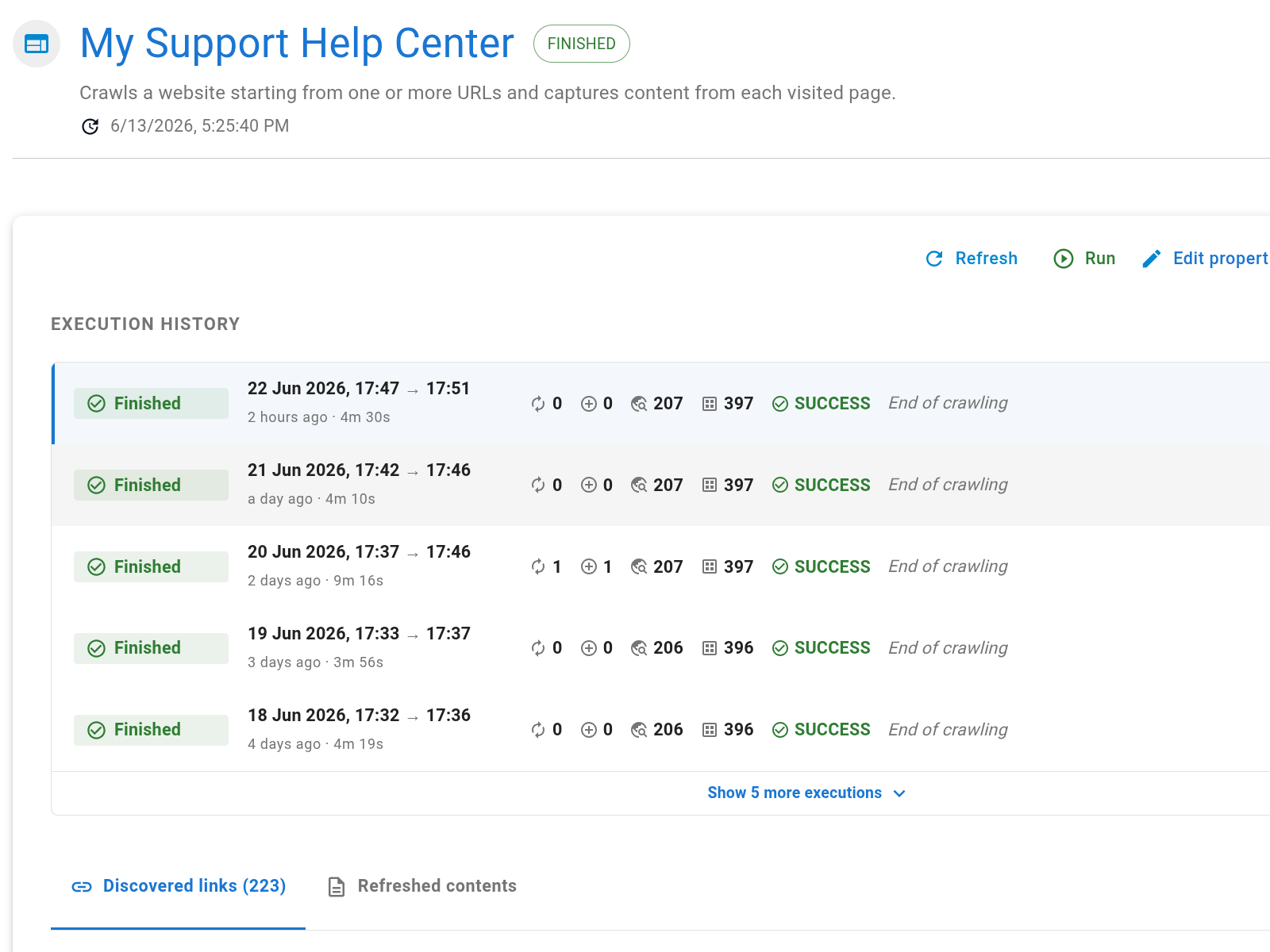
Set a page cap above the expected catalog size and run a sample. Review the discovered links before capturing the full catalog; faceted navigation can multiply URLs for the same product.
Keep variants explicit
Decide whether a color, size, pack, or regional offer becomes:
- a separate row with its own identifier;
- a child list within one product record; or
- a field that applies only to the selected variant.
Do not combine a base product's name with a variant's price unless the source presents them together. When a page says "from €20", preserve that qualifier or store a minimum-price field rather than recording €20 as the universal price.
Test the pages most likely to break
Your validation sample should include:
- a normal in-stock product;
- a discounted product with two prices;
- a product with variants;
- a page with missing specifications;
- an unavailable or contact-only product;
- a product whose specification table uses a different layout.
For each page, compare the captured text and resulting fields with the live source. A passing record has the right value, unit, qualifier, and source URL.
Plan for changes
Catalog data changes at different rates. Price and availability may justify frequent capture, while technical specifications change rarely. If they live on the same page, choose a cadence that meets the most time-sensitive field and monitor crawl usage.
Export the validated dataset as CSV or JSON for a point-in-time file. Keep the source and capture fields so downstream users can verify when a value was observed.