AI data extraction: how to extract useful information from web pages
A product, operations, or content manager usually notices the problem when turning messy web content into usable knowledge. The content may already exist, but visitors still cannot turn it into a clear answer at the moment they need it. That is where AI data extraction can help, if it is grounded in the right source material.
The useful version is not a generic answer box. It is a way to connect real questions to public web pages, product catalogs, documentation, and structured exports, then answer in plain language with enough context for the reader to act. When the answer matters, the visitor should also be able to open the source page or document and check it.
The simple idea
AI data extraction means giving people a question-and-answer path through material you already maintain. Instead of asking them to know your navigation, your product vocabulary, or the exact title of a help article, you let them ask normally.
Behind the scenes, the system needs three things: approved source content, an index that can find relevant passages, and answer behavior that stays inside those sources. If any one of those is weak, the public experience becomes weak too.
Start with the source, not the widget
The assistant, chatbot, or search box is only the visible part. The harder work is deciding which pages, documents, and policies are allowed to shape the answer.
Why this matters
Most visitors do not want to read five pages to answer one question. They want to know if a product fits, whether a policy applies, how to complete a task, or where to go next. If your site makes that hard, people either leave or contact your team for information the site already contains.
That creates two problems. The first is support volume: repeated questions take time away from work that actually needs a person. The second is trust: when answers are scattered or hard to verify, visitors hesitate. They may assume the information is missing, outdated, or unreliable.
A source-backed answer can reduce that friction. It should not hide the original material. It should help the visitor understand it faster, then point them back to the page, file, or policy that supports the answer.
How a good solution works
| Stage | What happens | What to check |
|---|---|---|
| Choose sources | Select the pages, documents, FAQs, policies, and product content the assistant may use. | Leave out private, outdated, duplicate, or noisy pages. |
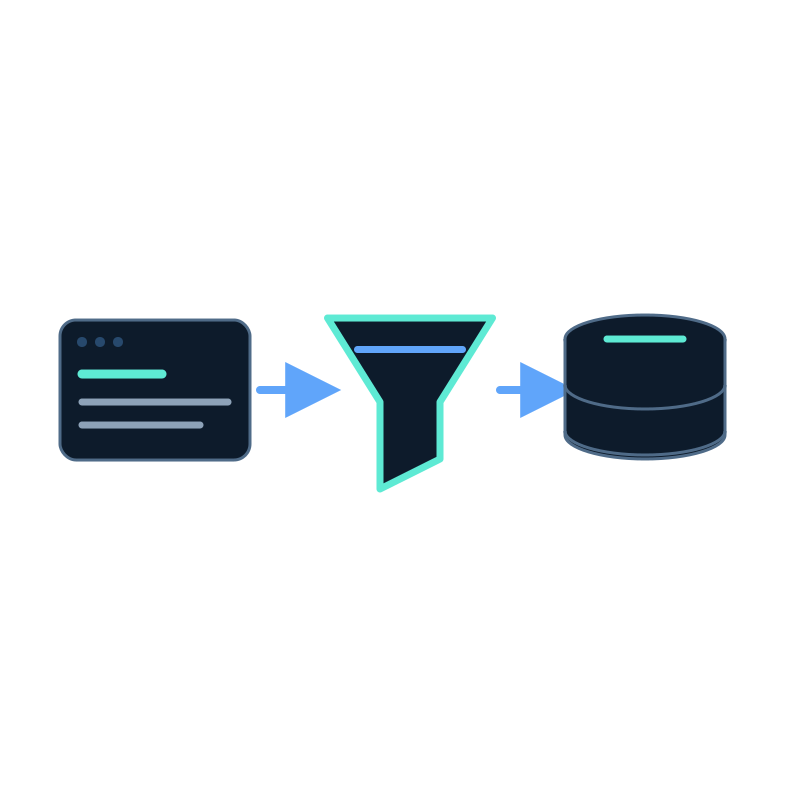
| Capture and index content | Website pages are crawled or documents are uploaded, then processed into searchable items. | Confirm the important text was captured, not only page chrome or image text. |
| Answer questions | A visitor asks in normal language, and the system finds the most relevant source passages. | Test real wording, including short and messy questions. |
| Show sources | The answer links back to the page or document behind the response. | Citations should be useful enough for a visitor or teammate to verify. |
| Keep content fresh | Scheduled crawling or repeat imports refresh the index when sources change. | Match the refresh cadence to how often your content changes. |
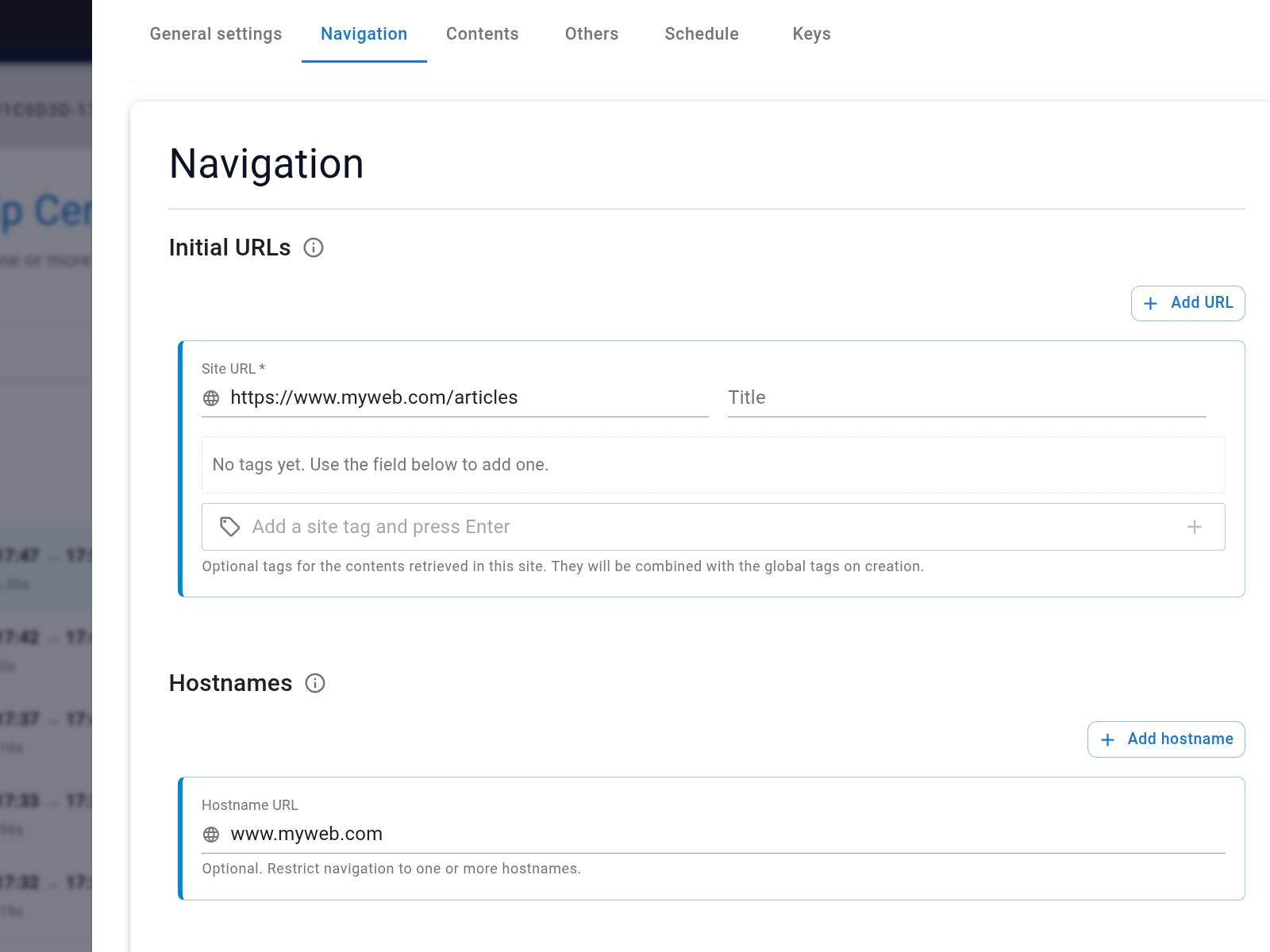
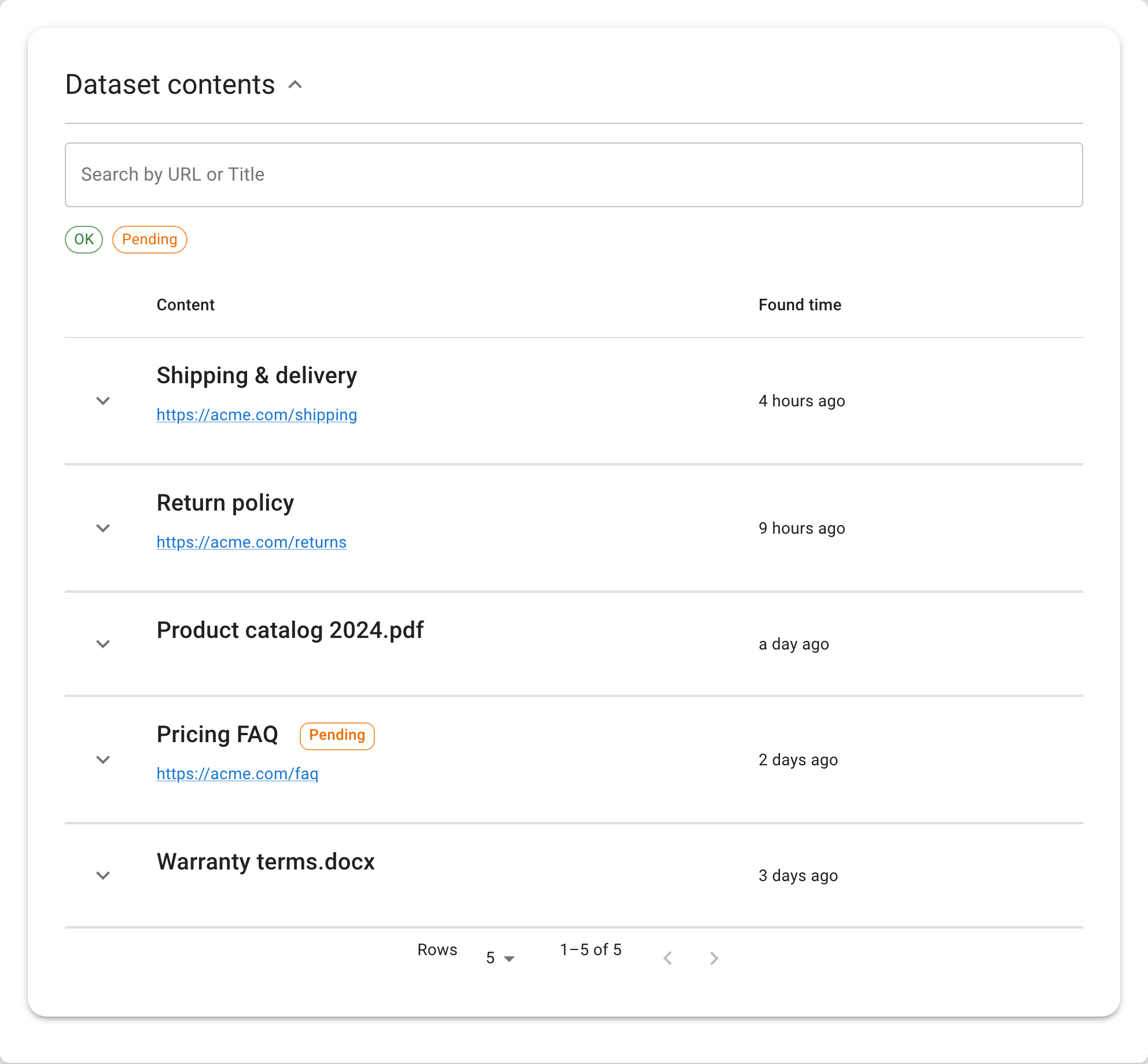
A tool like Seekdown follows this pattern with memory datasets, data capture jobs, assistants, and analytics. A website crawl or document upload fills the dataset. The assistant answers from that dataset. Analytics then shows which questions were asked, which answers were weak, and where the source content needs work.
Practical examples
| Situation | Visitor question | Useful source material | Good answer behavior |
|---|---|---|---|
| Catalog | "Extract SKUs and prices" | Product pages | Capture fields consistently. |
| Docs | "Turn pages into searchable items" | Documentation | Store title, URL, and content. |
| Audit | "Find stale pages" | Website crawl | Export and review captured content. |
| Edge case | "What if my situation is different?" | Policy pages, support docs, and contact guidance | Say what the source covers, say what it does not cover, and offer the right next step. |
These examples look simple, but they are where many projects succeed or fail. If the source page is clear, current, and specific, AI data extraction can give a short answer that feels helpful. If the source page is vague or contradicted elsewhere, the answer will reflect that confusion.
Mistakes to avoid
Do not ask AI to clean up a messy source set by guessing
If your website says three different things about the same policy, the responsible fix is to repair the source material, not to hope the assistant chooses the right version.
| Mistake | What goes wrong | Better habit |
|---|---|---|
| Uploading content once and forgetting it | Answers drift as product, pricing, docs, or policies change. | Use scheduled crawling or a clear refresh process. |
| Letting answers appear without citations | Visitors and teams cannot verify where the answer came from. | Show source links for important answers. |
| Indexing too much | Tag pages, checkout pages, old campaigns, or duplicate posts create noisy answers. | Use allowed hostnames, included paths, excluded paths, and review steps. |
| Hiding key facts in images or PDFs only | Important information becomes harder to search, cite, and maintain. | Put critical facts in readable page text where possible. |
| Testing only internal questions | Teams ask differently from visitors, customers, and shoppers. | Test the exact questions people send to support or sales. |
| Expecting perfect answers to missing content | The assistant cannot cite an answer that does not exist in the source set. | Treat unanswered questions as content work. |
A practical checklist
| Check | Why it matters |
|---|---|
| List the top questions this experience must answer. | The launch should be judged against real tasks, not a vague demo. |
| Map each question to a source page or document. | Every important answer needs a place to come from. |
| Remove old, duplicate, or conflicting material. | Conflicting sources produce fragile answers. |
| Confirm citations are visible and useful. | People trust answers more when they can inspect the source. |
| Set a refresh cadence for changing content. | Fresh answers require fresh source material. |
| Test unknown and out-of-scope questions. | A careful refusal is better than a confident guess. |
| Review analytics after launch. | Repeated questions show where content or navigation is still weak. |
Use early questions as a content audit
The first week of real questions often tells you more than a long internal review. Look for repeated unanswered topics, confusing wording, and source pages that visitors never find on their own.
Where this fits in a website workflow
The best results usually come from treating AI data extraction as part of the content system, not as a separate experiment. Product teams keep product pages clear. Support teams keep help articles current. Marketing or content teams make sure pricing, policies, and use cases are easy to read. The assistant or search layer then gives visitors a faster path through that material.
Seekdown can help with the operational side: crawl the site, store content in a memory dataset, answer from that approved material, show citations, and refresh knowledge when pages change. The tool helps most when the team is also willing to improve the source content behind weak answers.
Suggested internal links
- What Is a Website AI Assistant? A Simple Guide for Site Owners
- Why Your Website AI Assistant Should Show Source Citations
- How an AI Assistant Stays Updated When Your Website Changes
FAQ questions
Is AI data extraction useful if my website is small?
Yes, if visitors ask questions that your pages already answer but do not make easy to find. For a very small site, start with the most common questions and a narrow set of source pages.
Does this replace normal website content?
No. It depends on normal website content. Clear source pages, docs, policies, and FAQs make answers better and easier to verify.
How often should the source content be refreshed?
Match the refresh cadence to the source. Product catalogs and pricing may need frequent updates. Stable policies or manuals may only need scheduled checks or refreshes when they change.
The useful takeaway
AI data extraction works best when it gives visitors a shorter path to material you already trust. Keep the source set clean, show where answers came from, test with real questions, and refresh the content when the website changes.