Keep private content out of public AI answers
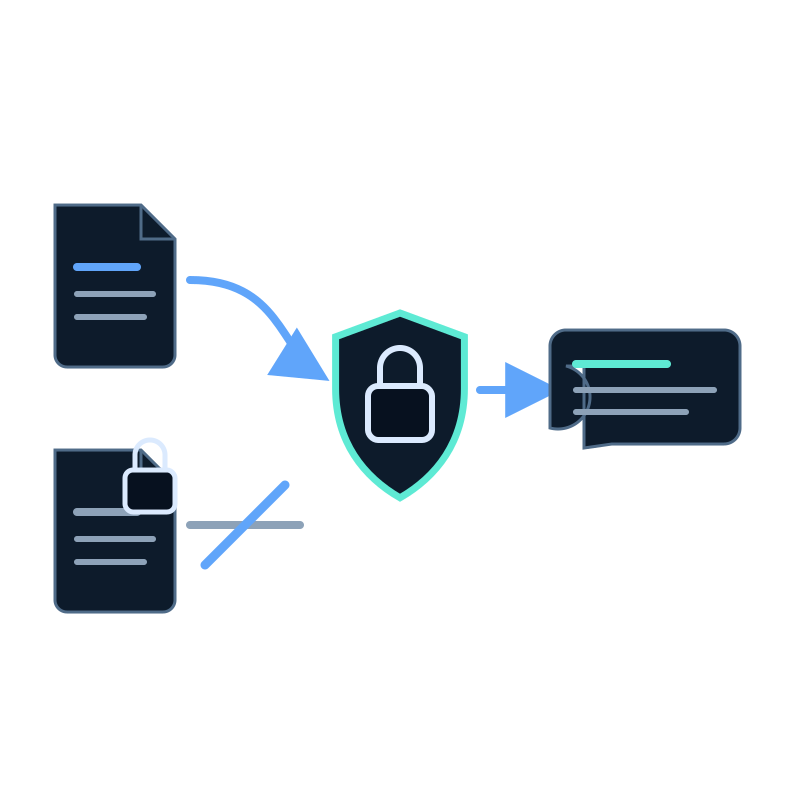
The safest way to keep private content out of a public answer is not to place it in the public assistant's dataset.
Interface security controls decide who may load an assistant. They do not turn an unsuitable mixed source set into a safe public one.
Separate content by audience
Use different datasets when sources have different access rules.
| Dataset | Appropriate content | Inappropriate content |
|---|---|---|
| Public website assistant | Public product pages, docs, FAQs, and policies | Staff notes, customer data, internal procedures |
| Staff assistant | Approved internal documentation | Unrestricted customer records or secrets |
| Customer-specific assistant | Content authorized for that customer and identity | Another customer's material |
Do not rely on response instructions such as "never reveal private information" as the primary boundary. Exclude the content at capture and dataset level.
Review capture scope
For website jobs, inspect initial URLs, hostnames, included paths, excluded paths, depth, and discovered links. Avoid account, admin, staging, preview, and authenticated sections unless the private use case explicitly requires them and has suitable controls.
For file uploads, review every file and archive before adding it. ZIP files can contain material that is not obvious from the archive name.
Choose the assistant security mode
Seekdown supports:
- None for public experiences on allowed origins;
- API when the embed passes an assistant key; and
- OIDC when an existing identity provider supplies a JWT that Seekdown validates against the configured issuer and audience.
Allowed origins control which domains may initialize the assistant. Replace the wildcard with exact production and staging domains before launch.
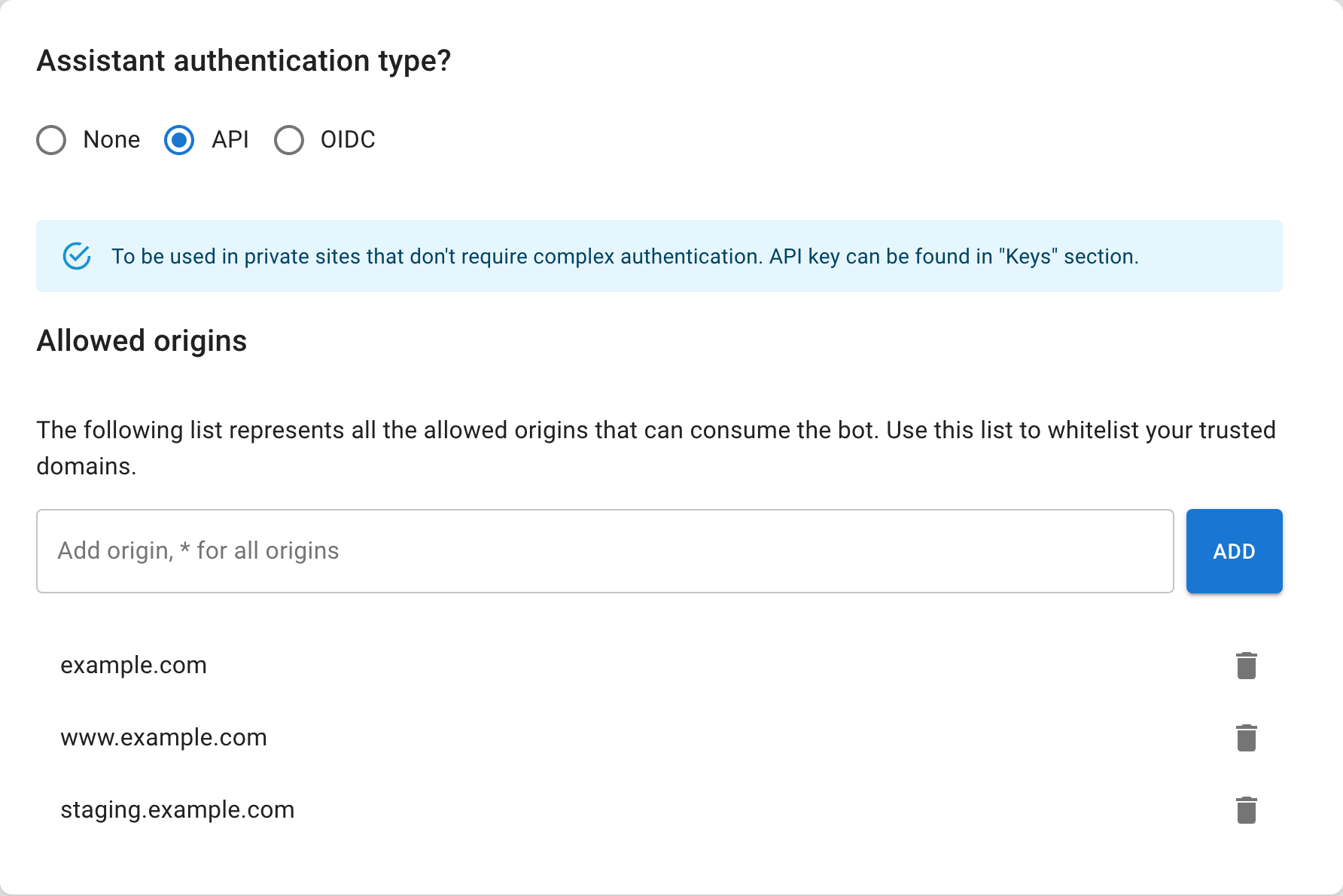
An API key used in a website embed is visible in page source. The documentation describes it as an assistant identifier, not a user-authentication secret. Use OIDC when access must follow a signed-in identity.
Test the boundary
- Search the public dataset for names and phrases from private sources.
- Ask public questions designed to retrieve internal terminology.
- Load the assistant from an allowed origin.
- Confirm it fails to initialize from a disallowed origin.
- For OIDC, test valid, missing, expired, and wrong-audience tokens.
- Review source cards for unexpected private URLs or filenames.
Remove exposed content before changing prompts
If private material appears in a public dataset, remove it, inspect how it entered, and re-index as needed. A stronger instruction does not erase the source.
Repeat the test whenever a capture scope, upload process, dataset connection, or security mode changes.