AI PDF search for long documents
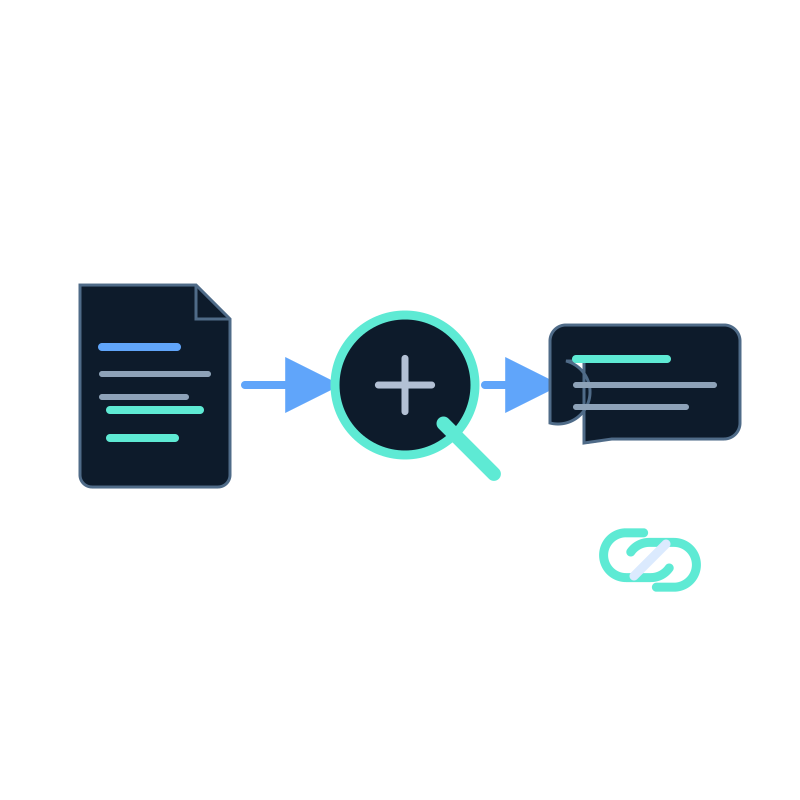
A 150-page manual may contain the answer, but downloading it and guessing the right phrase is a poor search experience. AI PDF search lets a reader ask a question in normal language and receive an answer grounded in the indexed document.
The result is only as useful as the PDF's text, structure, and version control.
Check the document before uploading it
Open the PDF and verify:
- text can be selected and copied;
- headings identify meaningful sections;
- tables remain understandable outside their visual layout;
- important instructions are not present only in images;
- the title and version are visible; and
- obsolete editions are clearly marked or removed.
A scanned PDF without a usable text layer may require OCR or a better source file before upload. Do not assume the search system can recover text it never receives.
Upload and wait for processing
Seekdown accepts PDF, DOCX, XLSX, PPTX, TXT, RTF, ZIP, and Markdown files. Open a memory dataset, choose Import → Upload files, add the document, and wait until processing finishes.
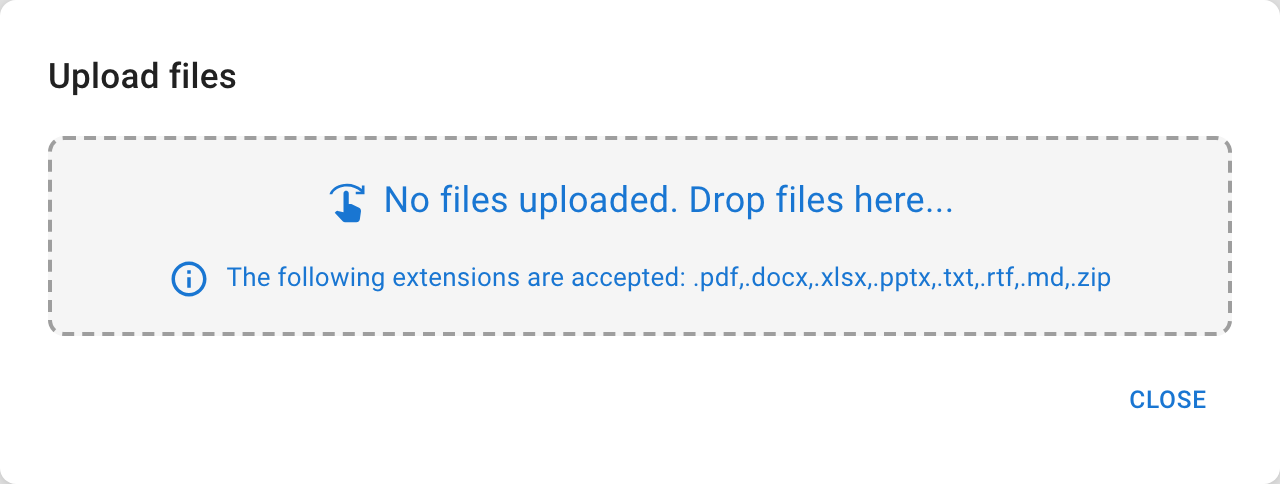
Uploading and processing are separate. The document becomes answerable after its text has been extracted and indexed, not merely after the transfer completes.
Test navigation questions and detail questions
Use a mixed test set:
| Test | Example | Expected behavior |
|---|---|---|
| Locate a section | "Where does the manual explain maintenance?" | Identify the relevant section and cite the PDF |
| Retrieve an exact rule | "What pressure limit is stated?" | Preserve the value and unit |
| Combine nearby passages | "What must I check before starting?" | Summarize only the listed prerequisites |
| Ask beyond the document | "Is this certified in my country?" | State that the source does not provide the answer |
| Distinguish versions | Ask about a changed rule | Use the current edition, not an obsolete copy |
Open the source after each answer. A plausible response is not enough when the document controls a technical or policy decision.
Maintain one authoritative edition
Uploading a new version does not make an old conflicting file harmless. Remove, replace, or clearly separate obsolete documents. Include the version or effective date in the document title so reviewers can identify the cited edition.
For a small set of stable manuals, manual replacement may be appropriate. For documents published as web pages, a scheduled website capture can provide a clearer refresh path.