AI assistant plugin for WordPress websites
Seekdown adds an AI assistant to your WordPress website so visitors can get answers from your posts, pages, docs, landing pages, and other site content without leaving the journey or opening support tickets for simple questions.
- Answer from your WordPress content instead of generic AI responses.
- Reduce repetitive support and sales questions with cited answers.
- Improve engagement, lower bounce, and move more visitors forward.
Turn WordPress into a guided experience
Deploy a no-code AI assistant on your WordPress website without theme edits or a custom build.
Why WordPress websites lose visitors when content is hard to use
These are the most common blockers for WordPress site owners, marketers, publishers, and support teams who need better discovery, fewer repetitive questions, and more conversions from existing content.
Visitors cannot find the right content fast enough
Important answers exist in posts, pages, docs, or landing pages, but users do not always reach them through menus, categories, or search.
Content is spread across too many page types
Posts, pages, tutorials, product pages, FAQs, and documentation live in different parts of the site, which slows down discovery.
Teams answer the same questions again and again
Support and sales spend time on repetitive questions that the website already answers, but not in a way users can find quickly.
WordPress search often stops at links
Search results may return pages, but they do not explain which one matters or summarize the answer in a helpful way.
No-code teams still need an on-brand experience
Site owners want better UX without depending on custom development or losing control over tone and presentation.
Visitors bounce before converting
When users cannot quickly answer a question, they leave the page, delay the decision, or contact support instead of continuing on-site.
An AI assistant for WordPress that improves discovery and conversion
Everything you need to turn your WordPress content into a clearer self-service experience without custom code.
The assistant understands your posts, pages, docs, FAQs, landing pages, and content structure across the site.
Answers come from the WordPress content you already publish instead of generic AI text disconnected from your site.
Every answer can link back to the exact source page so visitors can verify details and continue reading with confidence.
The assistant helps visitors move from a question to the right post, landing page, product page, or help article much faster.
Users self-serve common questions, which lowers repetitive inquiries and helps your team focus on more valuable work.
See how an AI assistant fits into a WordPress workflow
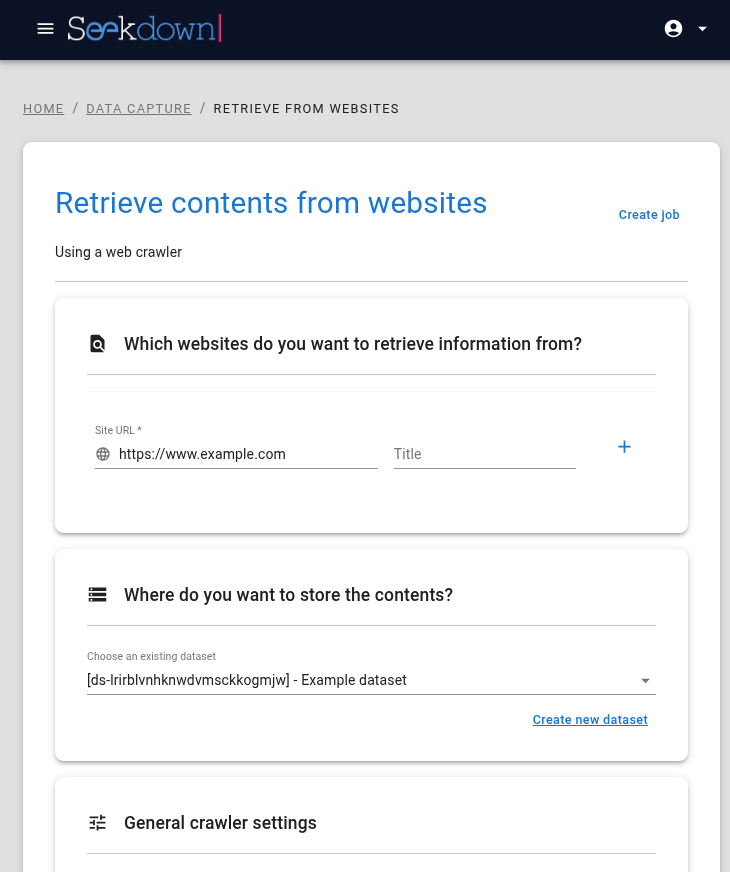
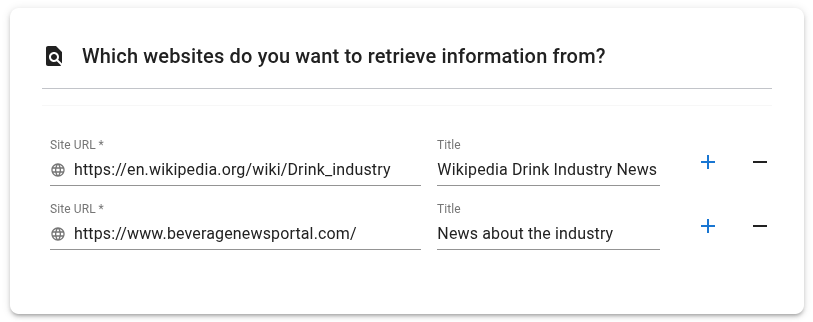
From website crawl to assistant setup and visitor question handling, Seekdown works with the WordPress content you already publish.

Launch an AI assistant for your WordPress website in five steps
Install the Seekdown plugin
Install the plugin on WordPress with no theme edits and no custom development.
Connect your assistant
Link your assistant and make your WordPress content available as the source for answers.
Define answer rules
Set tone, citations, guardrails, and welcome messages so the assistant stays aligned with your brand.
Go live on the site
Enable the assistant site-wide and improve discovery, guidance, and self-service right away.
Keep content fresh
Schedule syncs and recrawls so new posts, page updates, launches, and docs stay searchable.
Common questions about a WordPress AI assistant
Everything WordPress site owners, marketers, and support teams ask before adding AI guidance to their website.
Turn your WordPress website into a self-service content journey
Help visitors find the right page faster, reduce repetitive questions, and improve engagement with answers from your own WordPress content.